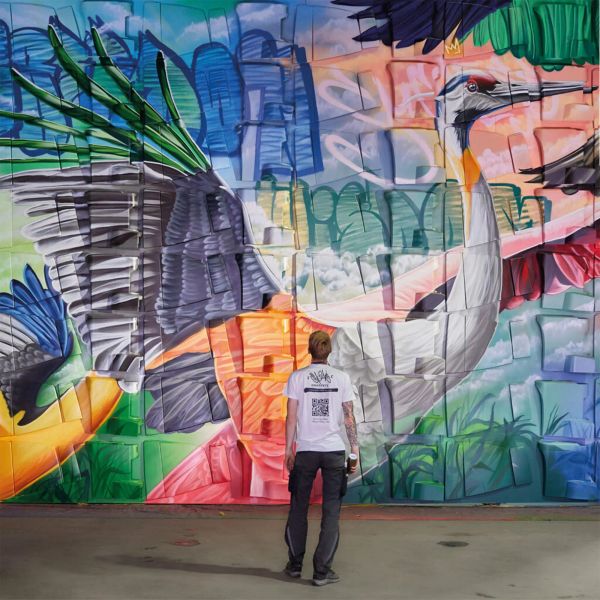
When mural art meets complex architecture, precision becomes just as important as creativity.
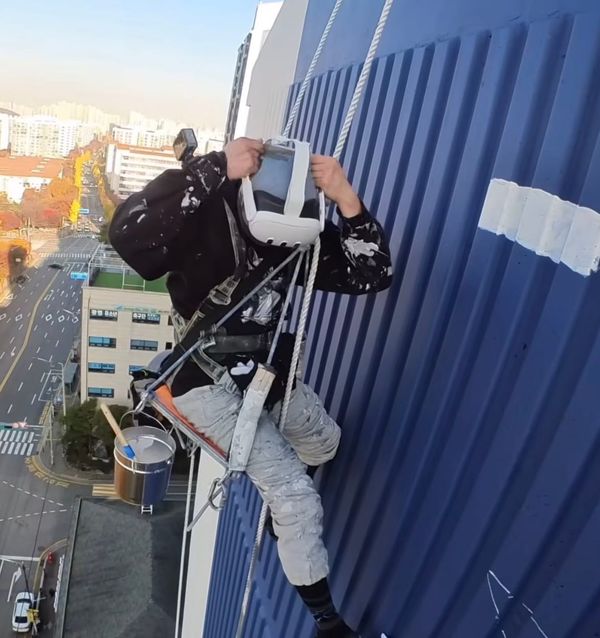
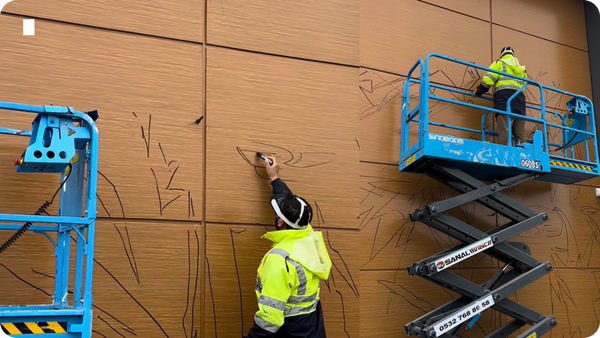
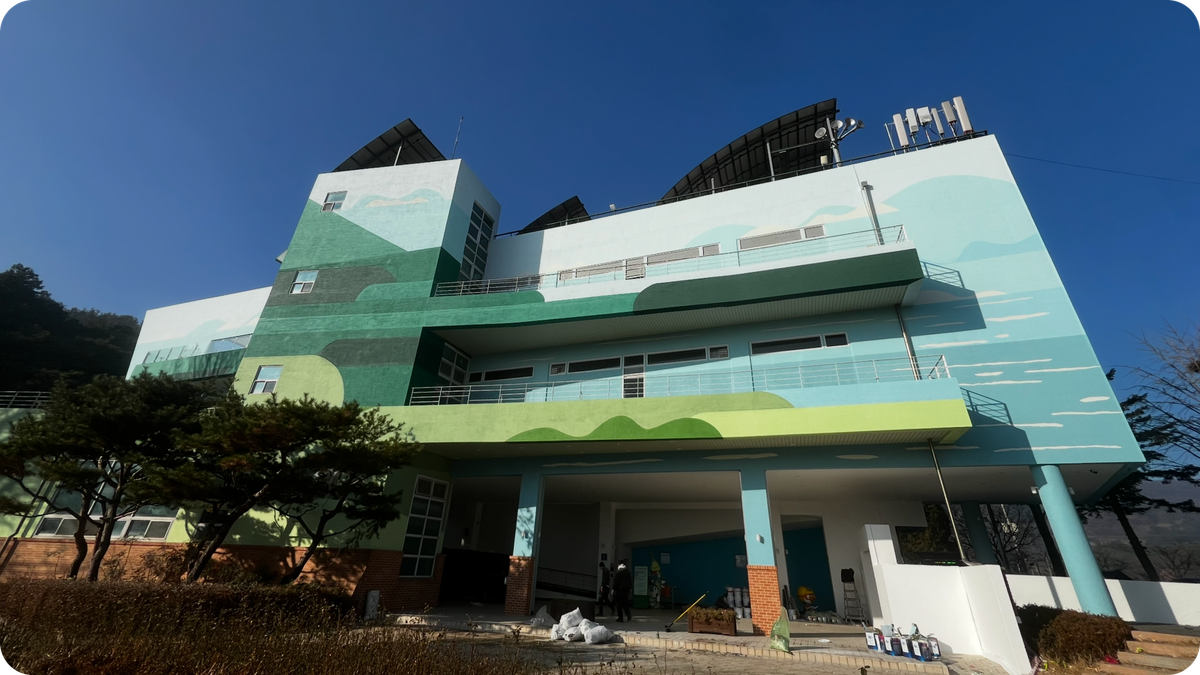
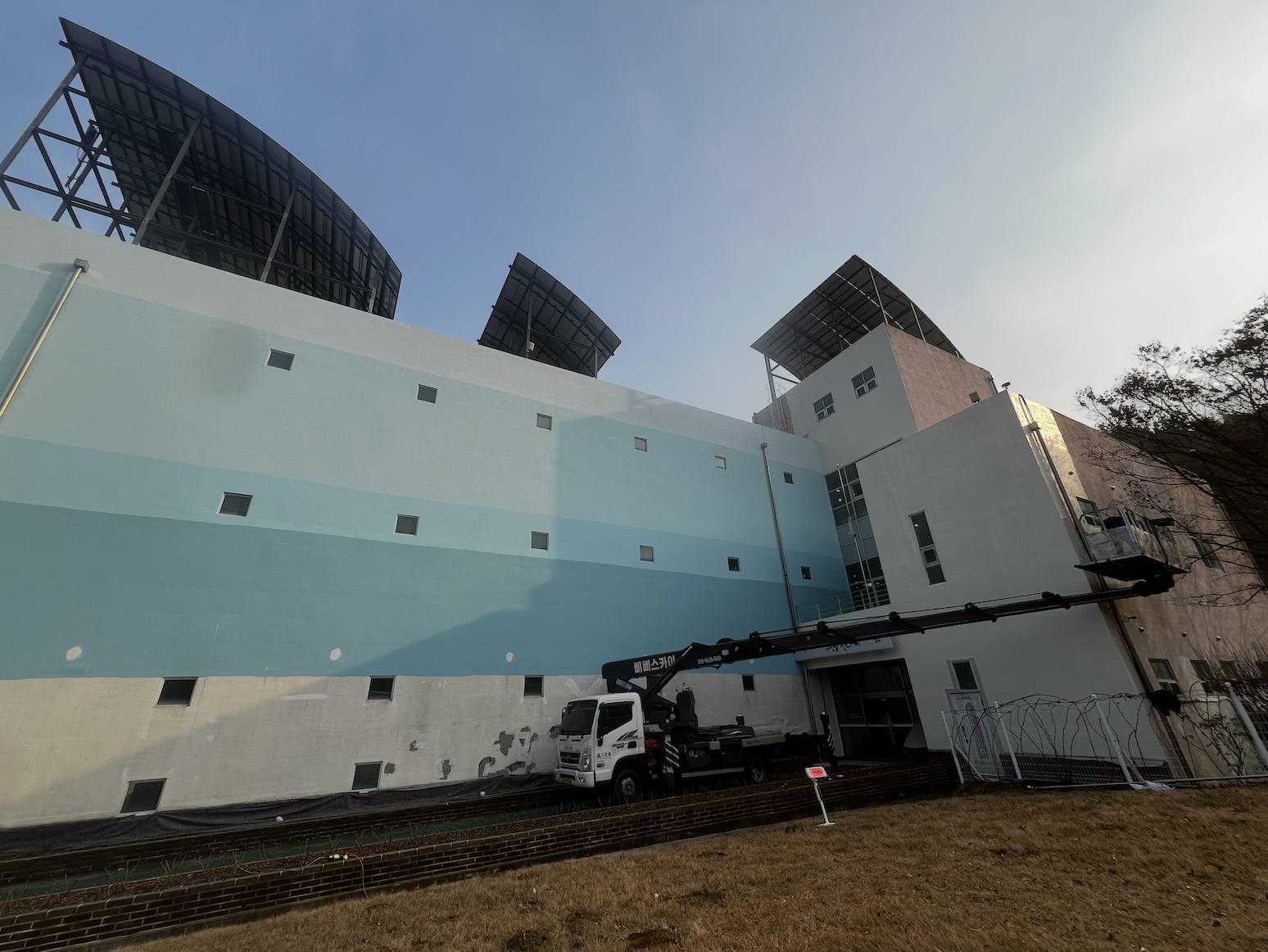
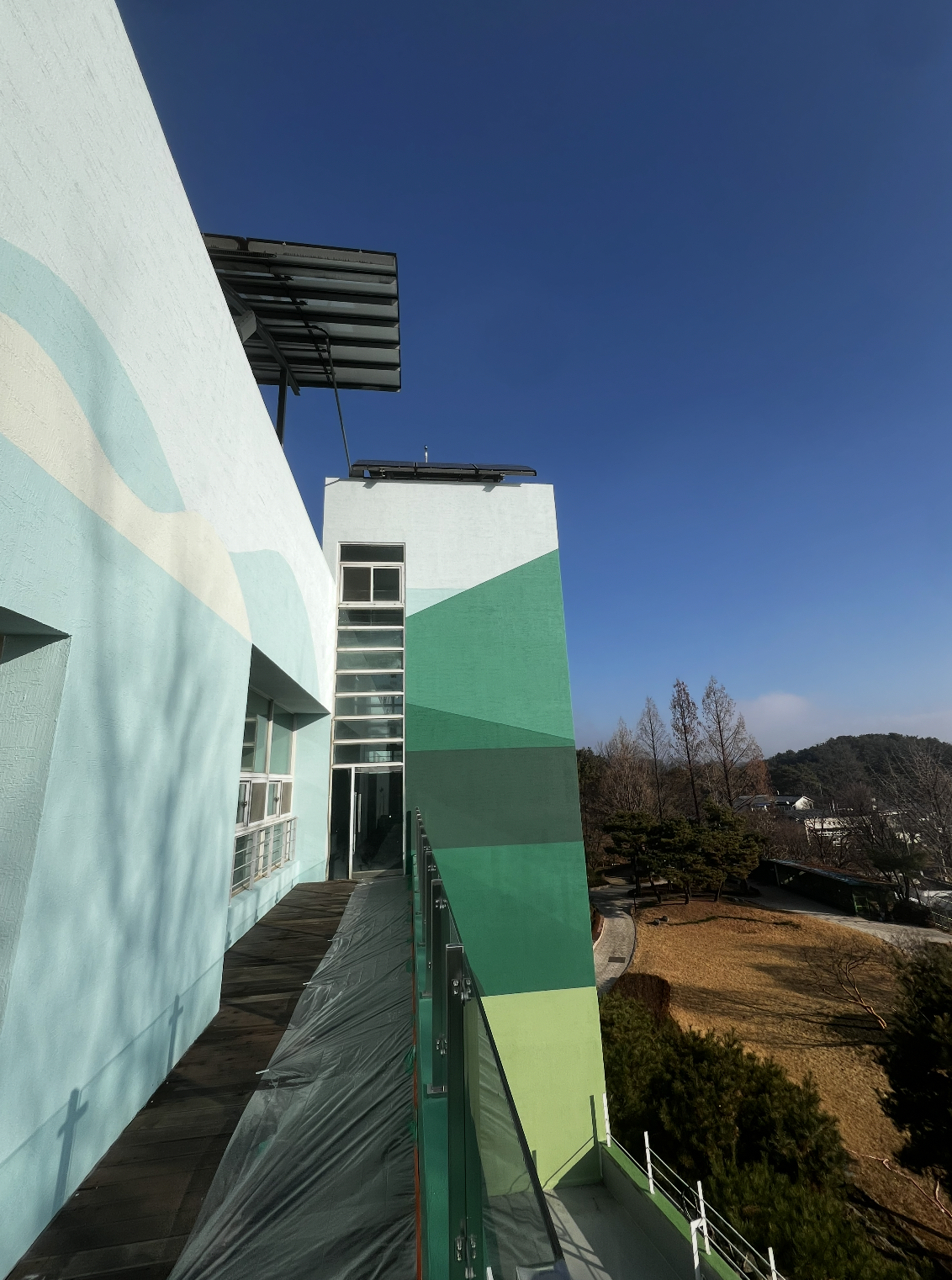
For Korean painter Kim Tae-gang, a recent large-scale commission—spanning all four sides of a nationally operated ecological center—became the perfect testing ground for a VR-assisted workflow using Sketchar on Meta Quest.
Faced with curved surfaces, layered facades, and real-world discrepancies between blueprints and the finished structure, Kim turned to VR not as a shortcut, but as a way to maintain control, consistency, and quality at scale. In this interview, he shares how Sketchar fit into his preparation process, what challenges he encountered on site, and why he sees VR as part of a broader quality system for mural art—not a replacement for craftsmanship.
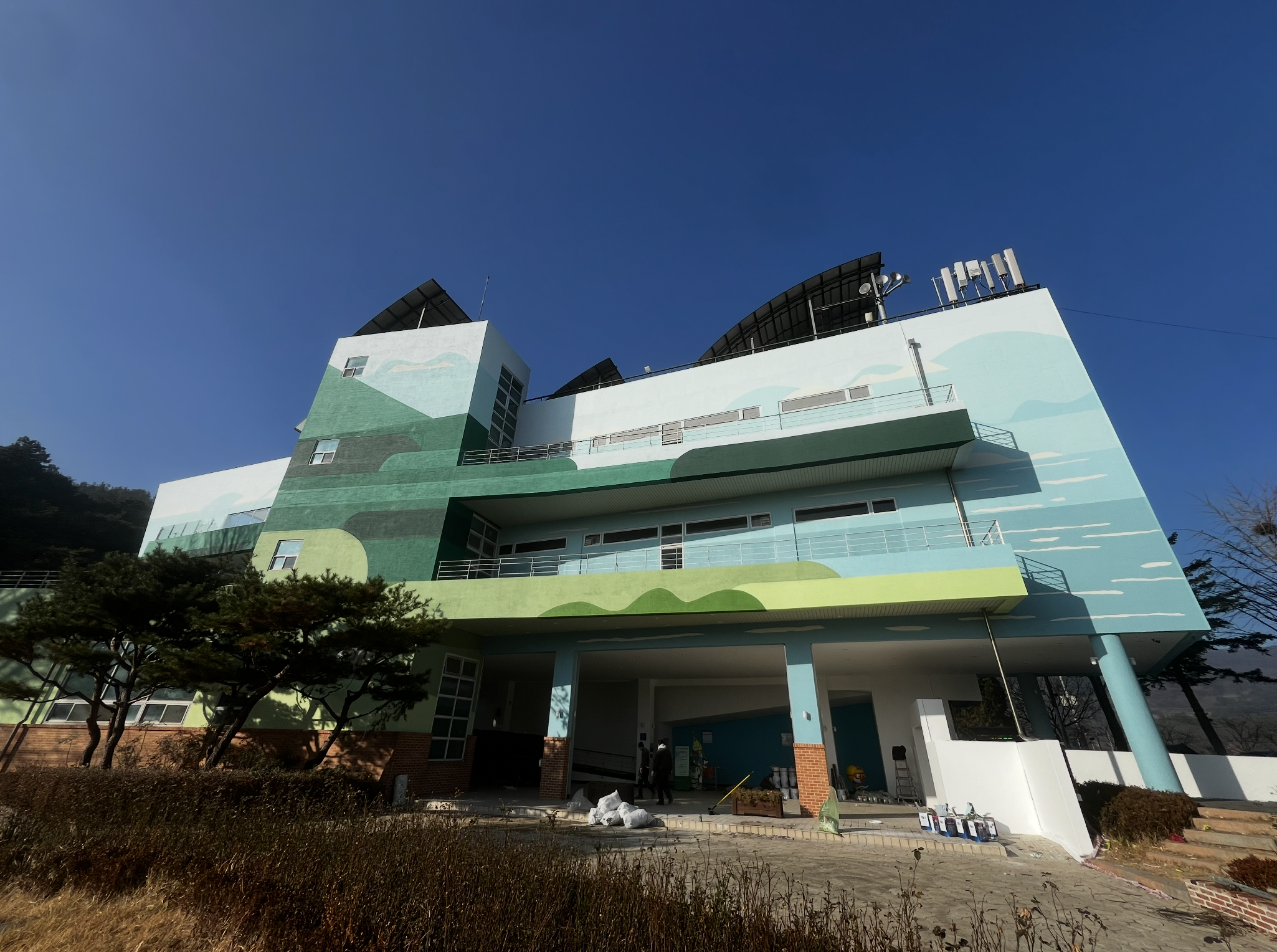
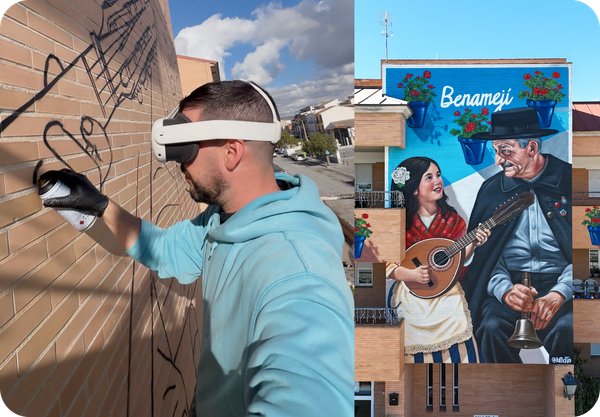
1. First of all, congratulations on such an impressive mural. The building’s architecture is complex and multi-layered. Can you tell us more about the project preparation and whether you used Sketchar in VR to preview and position your sketches before painting?
From the moment I received the request, I already had Sketchar in mind.
I had discovered Sketchar a few months earlier through YouTube Shorts and Instagram, and I immediately saw it as a practical tool for improving precision and process control on site.
Originally, I planned to test it on a wall at my newly relocated warehouse. But this symbolic commission came at exactly the right time, so I decided to apply the VR workflow directly to this project.
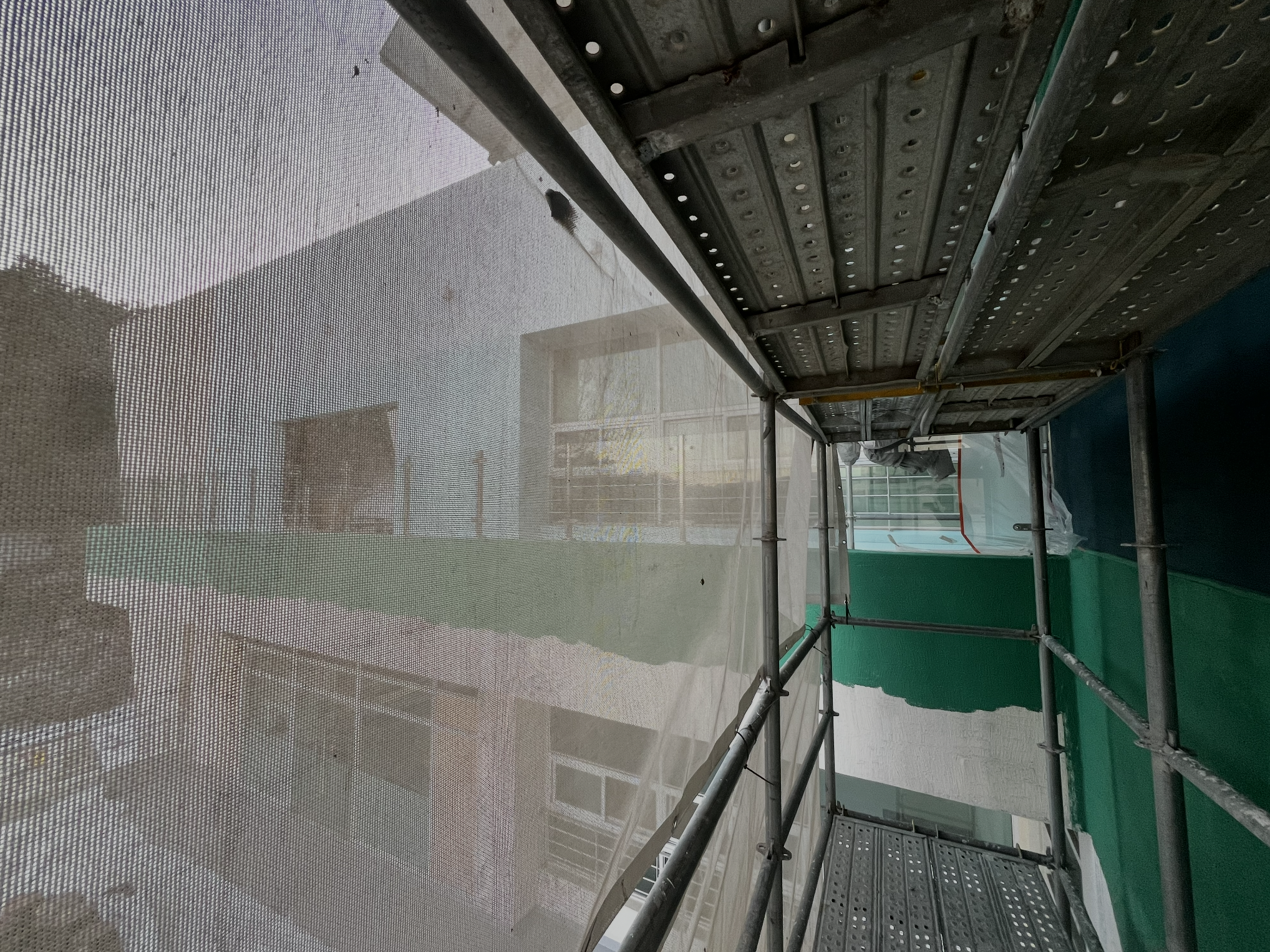
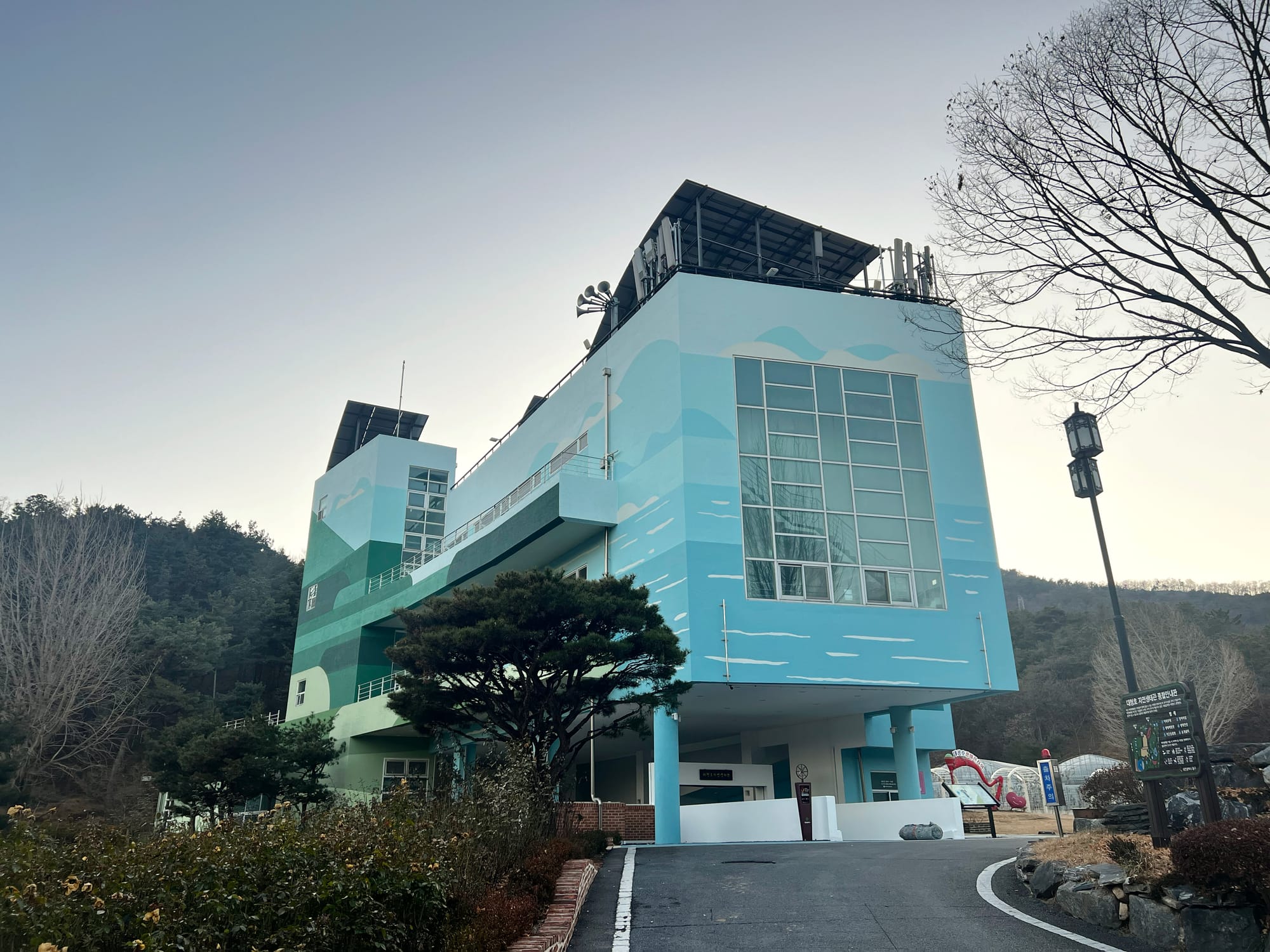
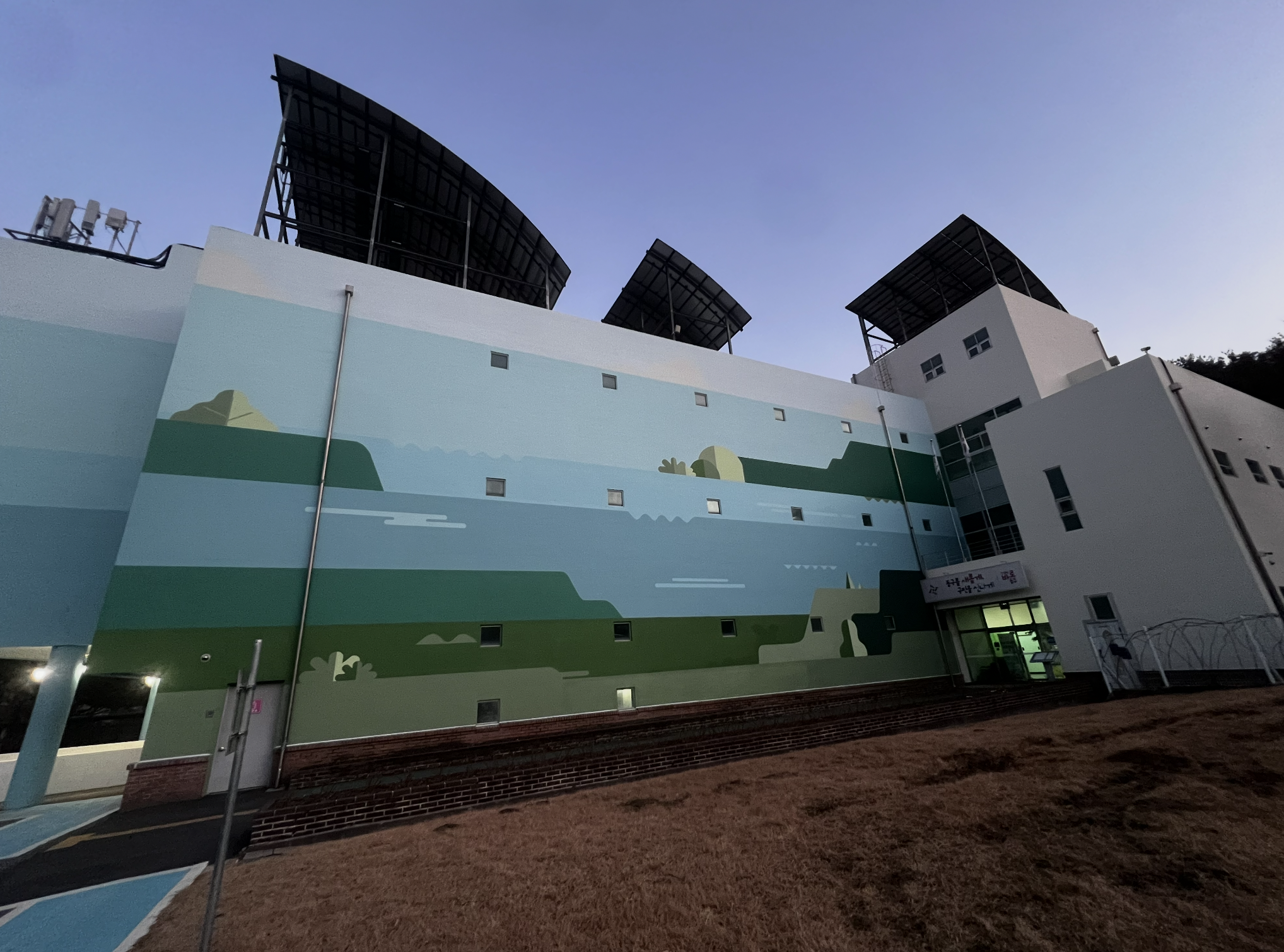
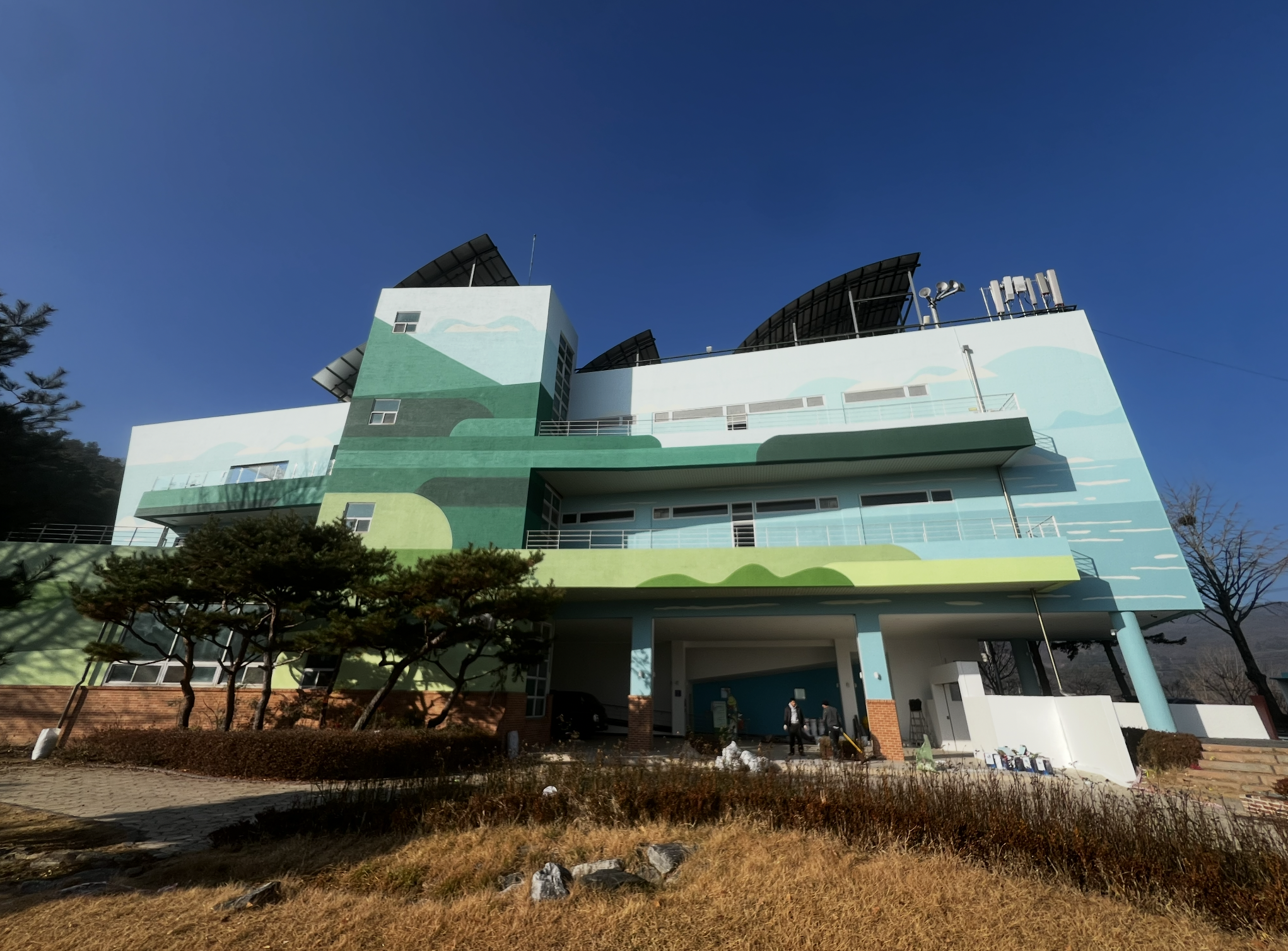
The building is a nationally operated ecological center—large in scale, architecturally complex, and highly symbolic. Before painting, we removed the existing exterior finish, rebuilt the surface using an EIFS system, and only then executed the sketch and final artwork.
In this project, surface quality came first—before the artwork.
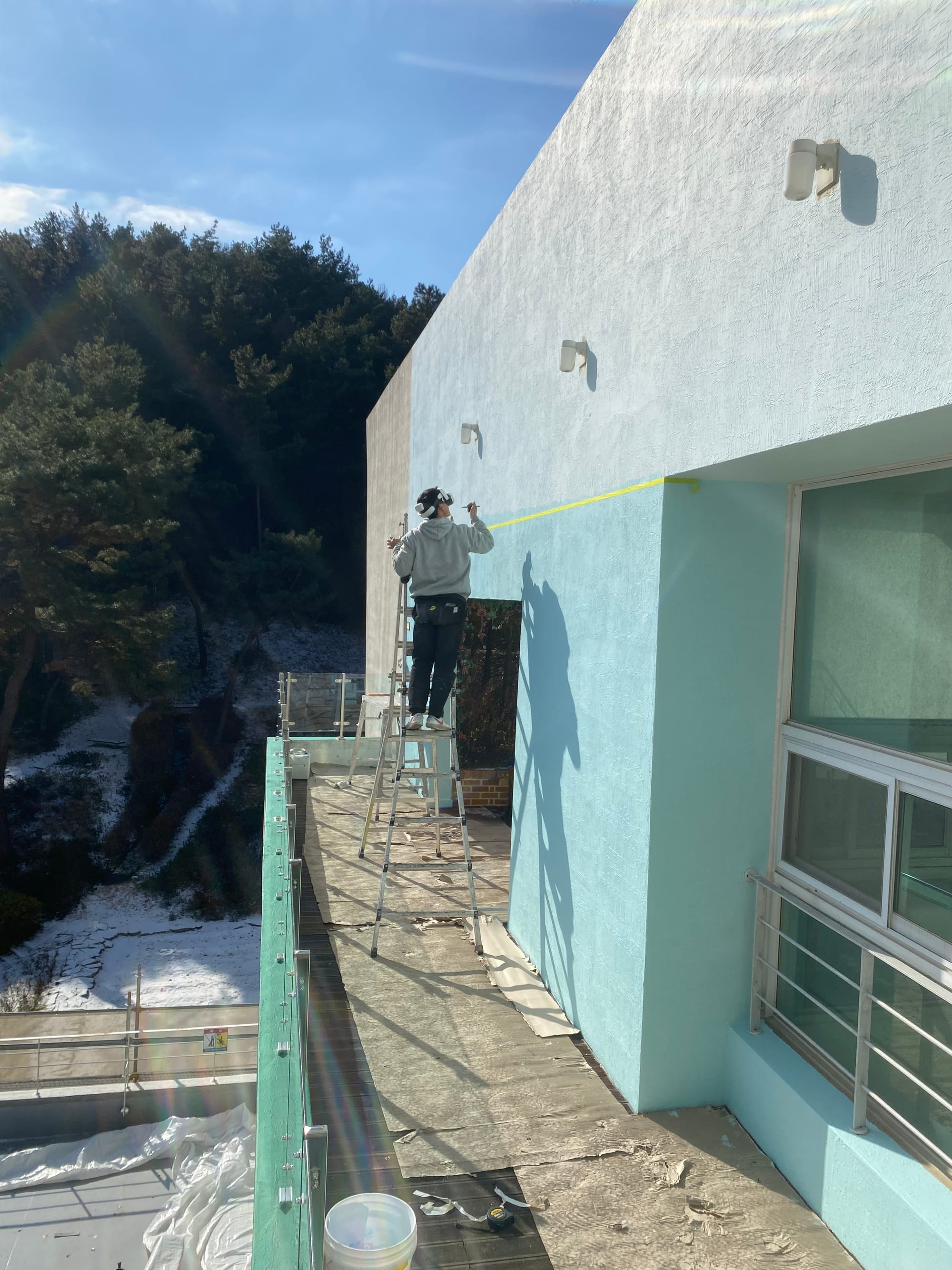
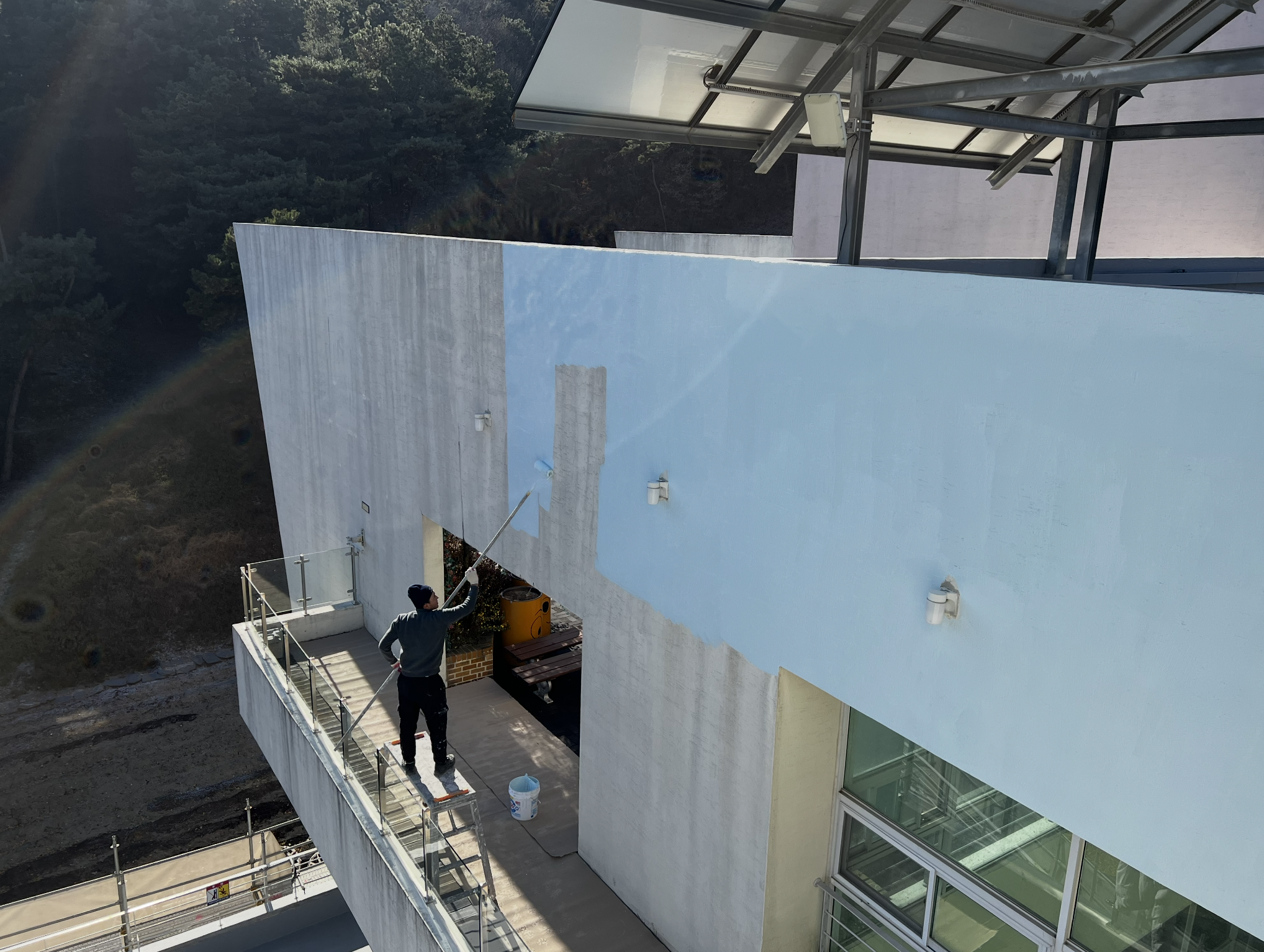
Because this was my first VR-based workflow, I practiced extensively in the studio and prepared multiple scenarios for on-site variables. During testing, we discovered discrepancies between the blueprints and the actual structure. Sections with mismatched proportions were re-aligned using field-verified measurements.
The system does require familiarity, but as the platform evolves, I expect both speed and accuracy to improve significantly.
⸻
2. How long did it take to complete the mural across all four sides of the building, and how did using a VR headset help speed up the process compared to traditional methods?
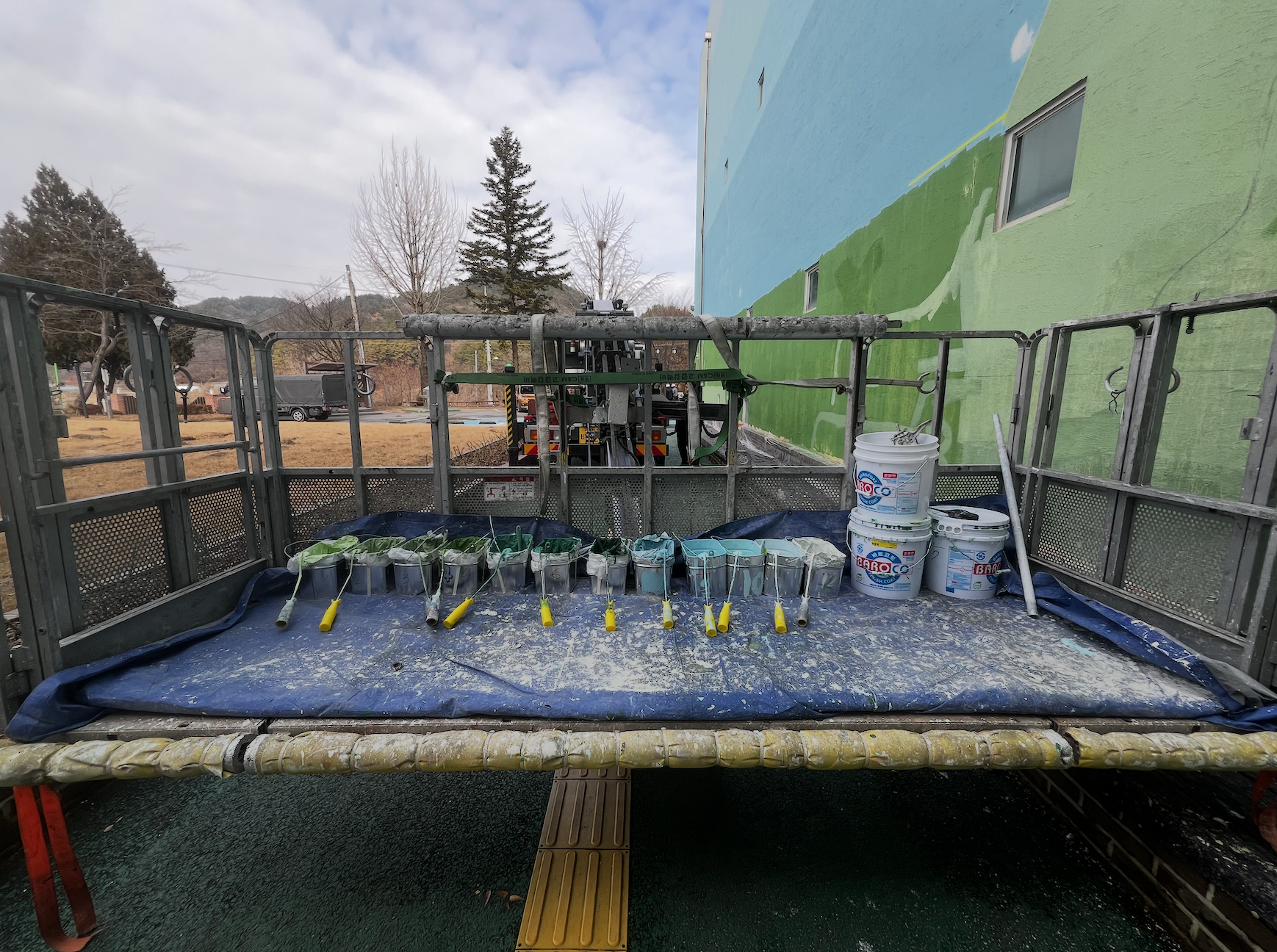
Overall, the project took about seven days—from sketching to final color application.
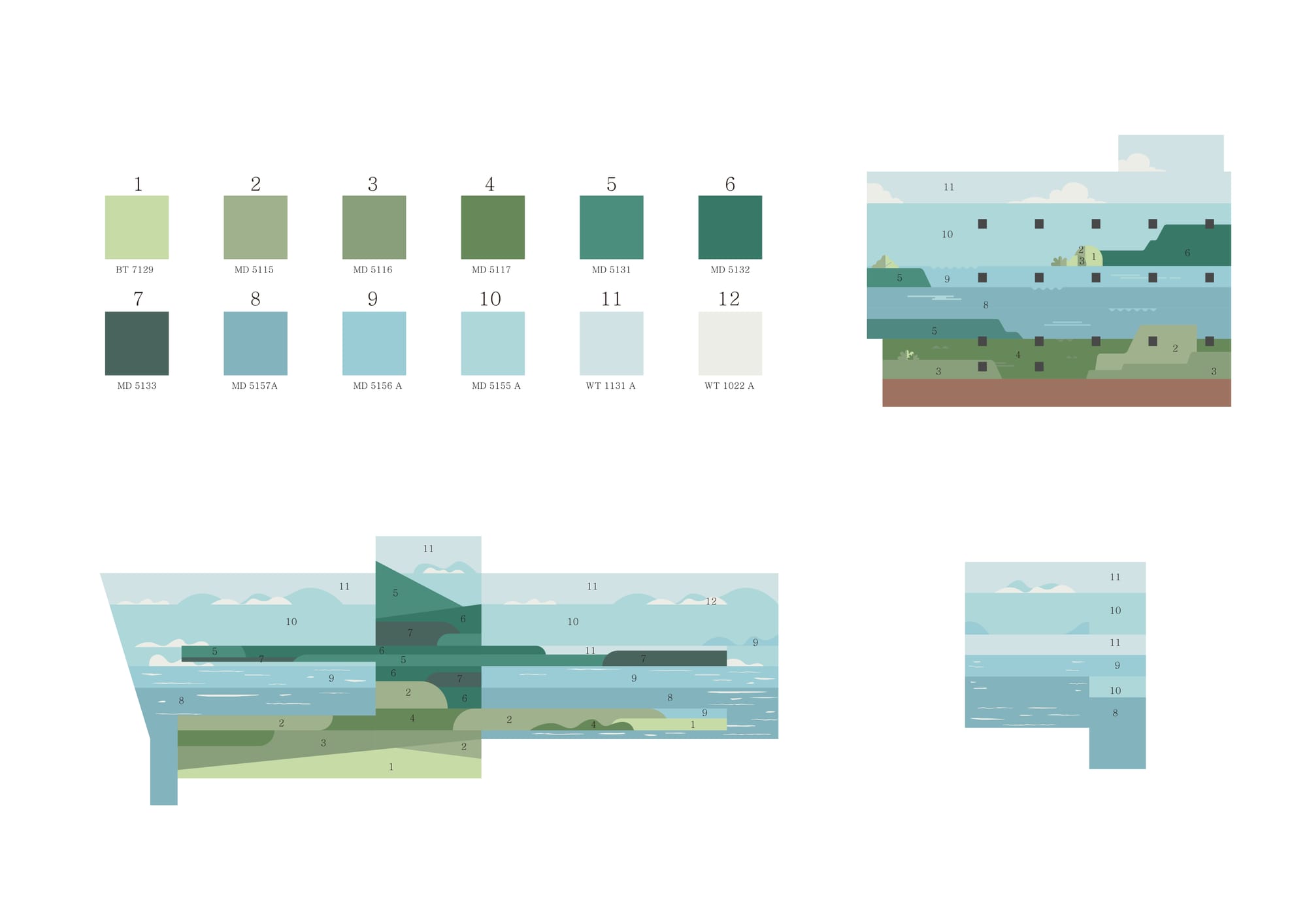
The blueprints and the real structure differed in both measurements and proportions, and some parts of the building were curved. Because of this, achieving a perfectly identical VR overlay was unrealistic.
Instead, I measured the structure manually, calculated ratios, marked key reference points, and worked outward from those anchors. This approach helped maintain consistent quality and prevented cumulative errors.
Even so, Sketchar played an important role. It helped preserve scale and proportion during sketching, reduced the need for corrections, and improved overall efficiency.
⸻
3. Technology is never perfect. What challenges did you face while working with a VR headset on such a large and complex structure, and how did you adapt on site?
Even with advanced tools, large-scale facade work still requires human judgment—especially when dealing with structure, scale, movement, and safety at the same time.
The biggest challenge was the mismatch in proportions between the original design and the real surface. Because the wall area was so large, the overlay could shift as I moved, making some lines feel less consistent when viewed as a whole compared to a projector-based workflow.
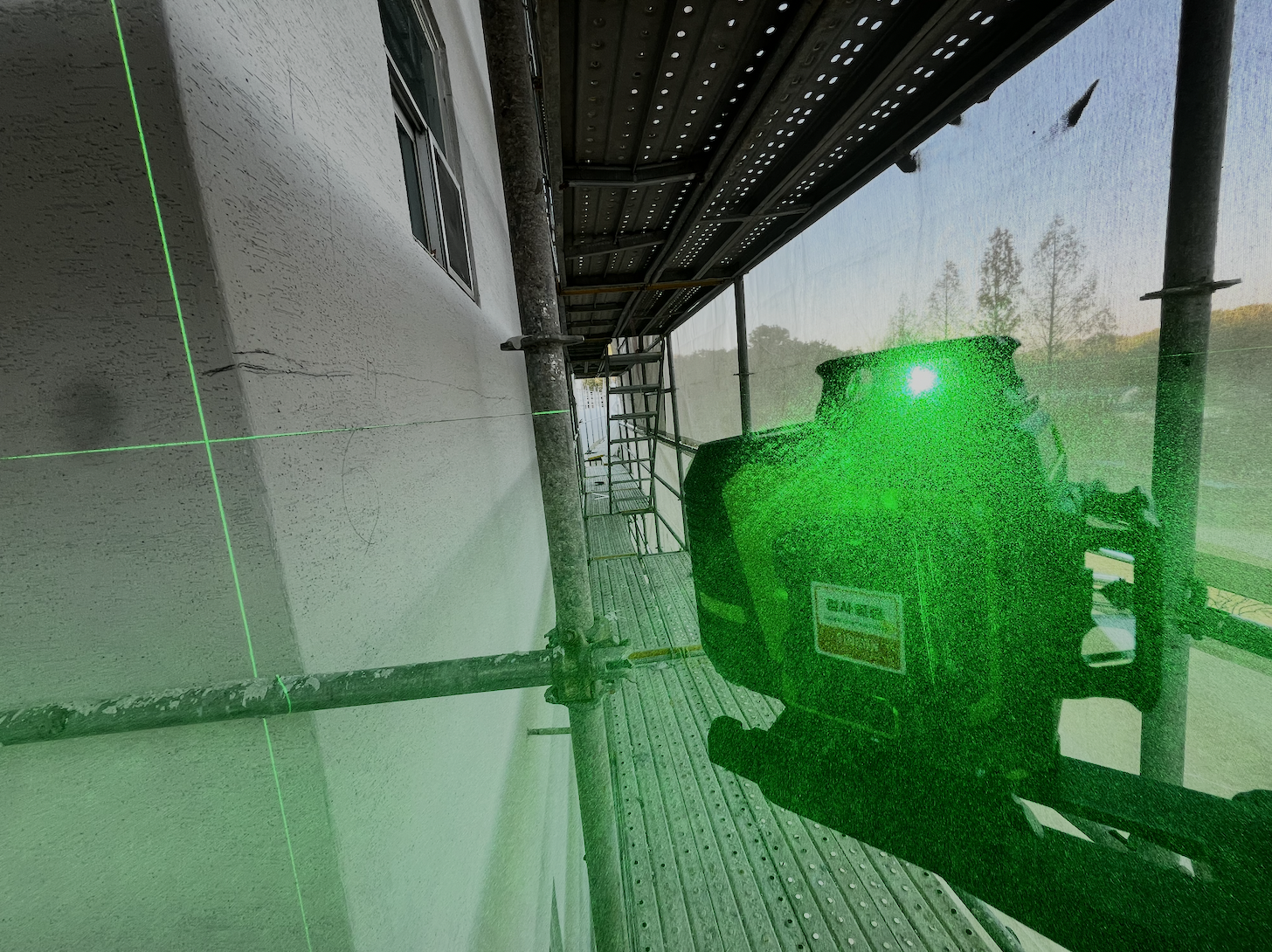
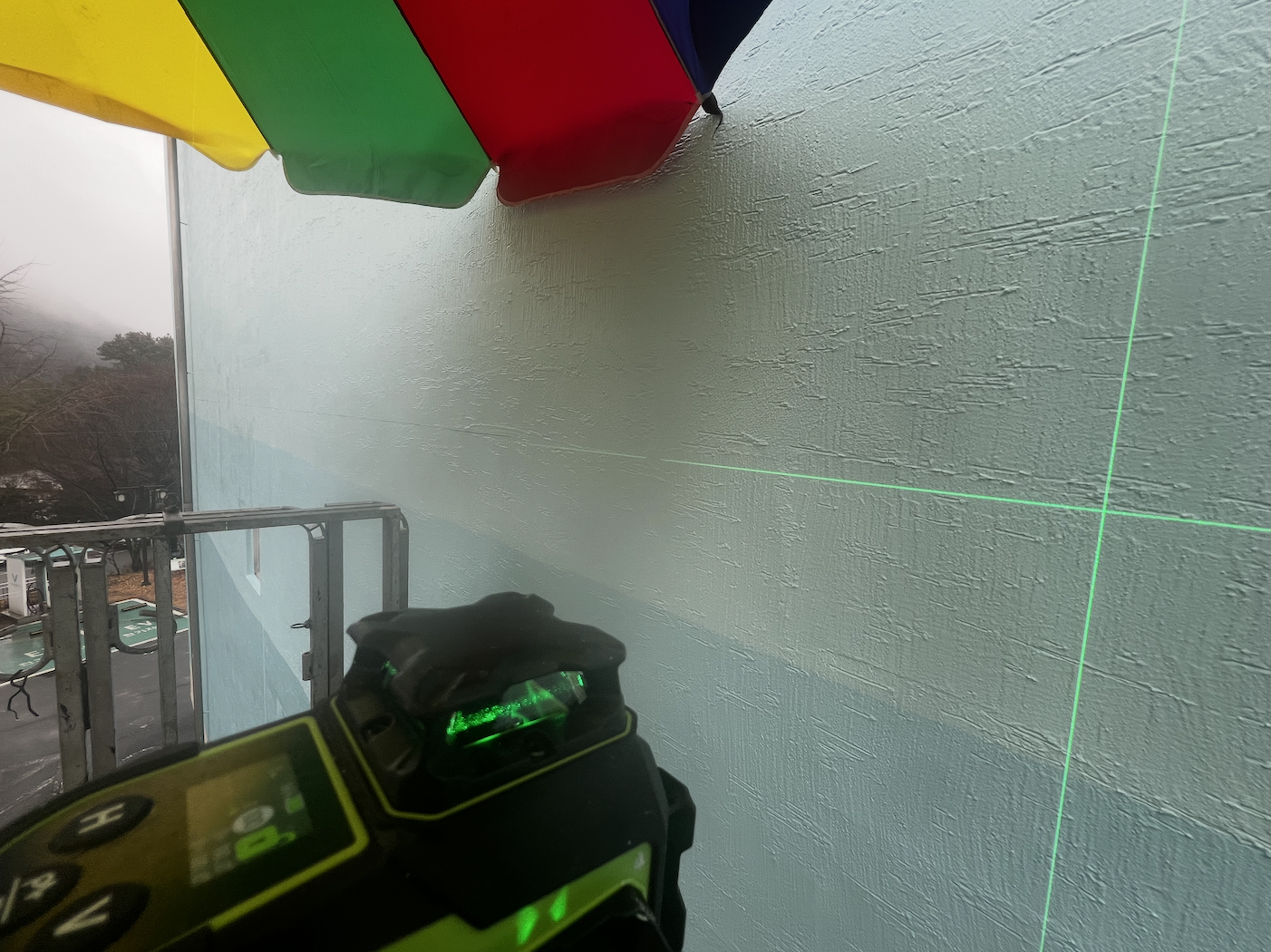
My solution was to manually lock in straight architectural lines using fixed reference markings. I then used VR primarily to support curved and illustrative elements.
For future improvements, stronger overlay pinning and more precise depth control would greatly enhance real-world usability.
4. How has using technology like Sketchar influenced your approach to mural art overall, and how has your workflow changed?
The biggest shift is that VR lowers the barrier to applying designs while helping maintain consistency in both quality and process on site.
Projectors are heavily limited by lighting conditions, while VR is far more adaptable.
I’m not a formal fine arts major, but with foundational knowledge and good sensibility, mural work becomes much more accessible. The key isn’t “talent”—it’s standards and process.
In that sense, Sketchar and VR don’t replace craftsmanship. They become part of a quality system—one that stabilizes results and supports a more sustainable workflow over time.
5. What would you recommend to mural artists who are curious about using Sketchar and VR but haven’t tried them yet?
Start small. Choose a small wall and a simple color palette.
VR can feel unfamiliar at first, so it’s important to build practice time before working on site. This improves both safety and success rates.
Once the controls become natural, execution becomes much more stable—and the tool turns into a real advantage rather than a distraction.
⸻
Kim Tae-gang’s project shows that VR-assisted mural painting isn’t about replacing traditional skills—it’s about supporting them in environments where precision, architecture, and scale collide. By combining manual judgment with digital tools like Sketchar, artists can maintain high standards while navigating increasingly complex surfaces.
As buildings become more ambitious and expectations rise, workflows that blend craftsmanship with technology may soon become the norm rather than the exception.
▋
Download Sketchar on Meta Quest
Get 20% OFF for the Annual subscription with the code: KIM-2D9889