

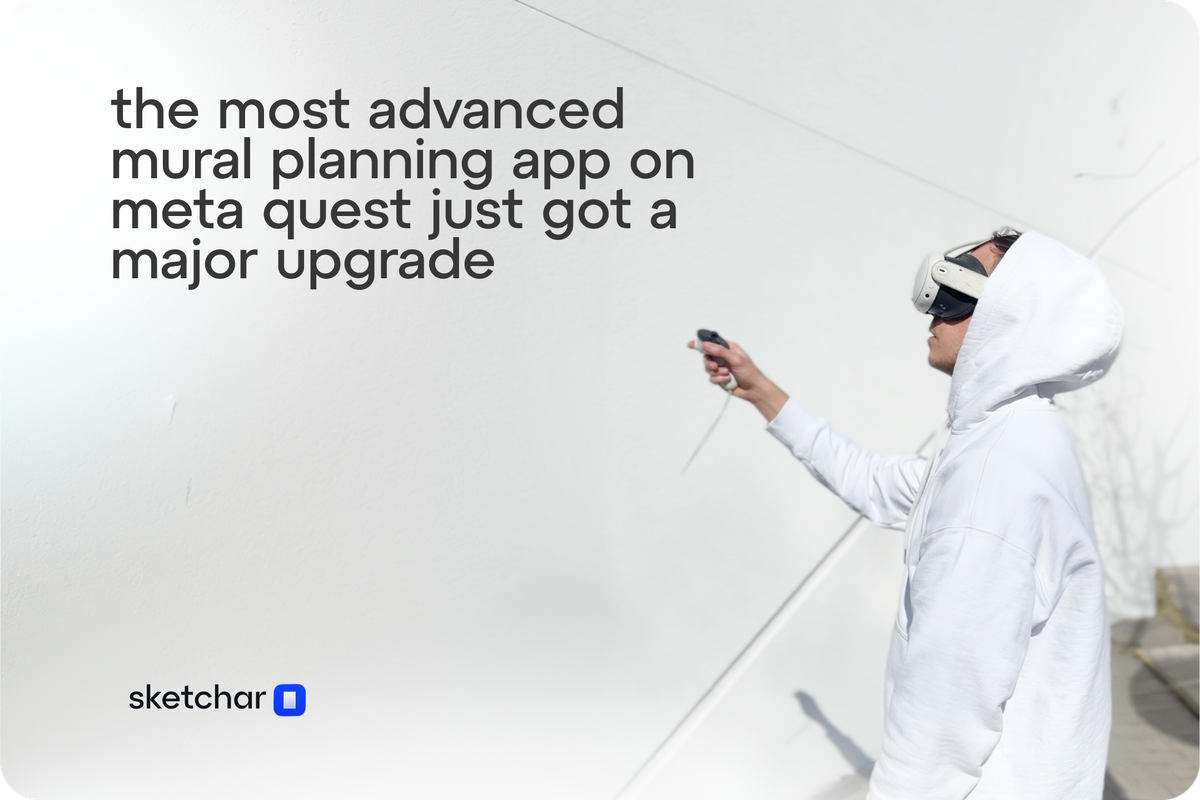
Planning a mural used to mean squinting at a phone screen, taping up printouts, or renting a projector just to eyeball your proportions. That era is over.
Sketchar's latest Meta Quest update is the biggest leap forward we've made for muralists working using AR/VR. Six new features — built entirely around the way professional mural artists actually work — give you complete control over reference placement before a single line hits the wall.
Here's everything that's new.
Auto-Placing: Your Headset Finds the Wall for You
The first step of any mural is getting your reference onto the surface. Now it takes three seconds.
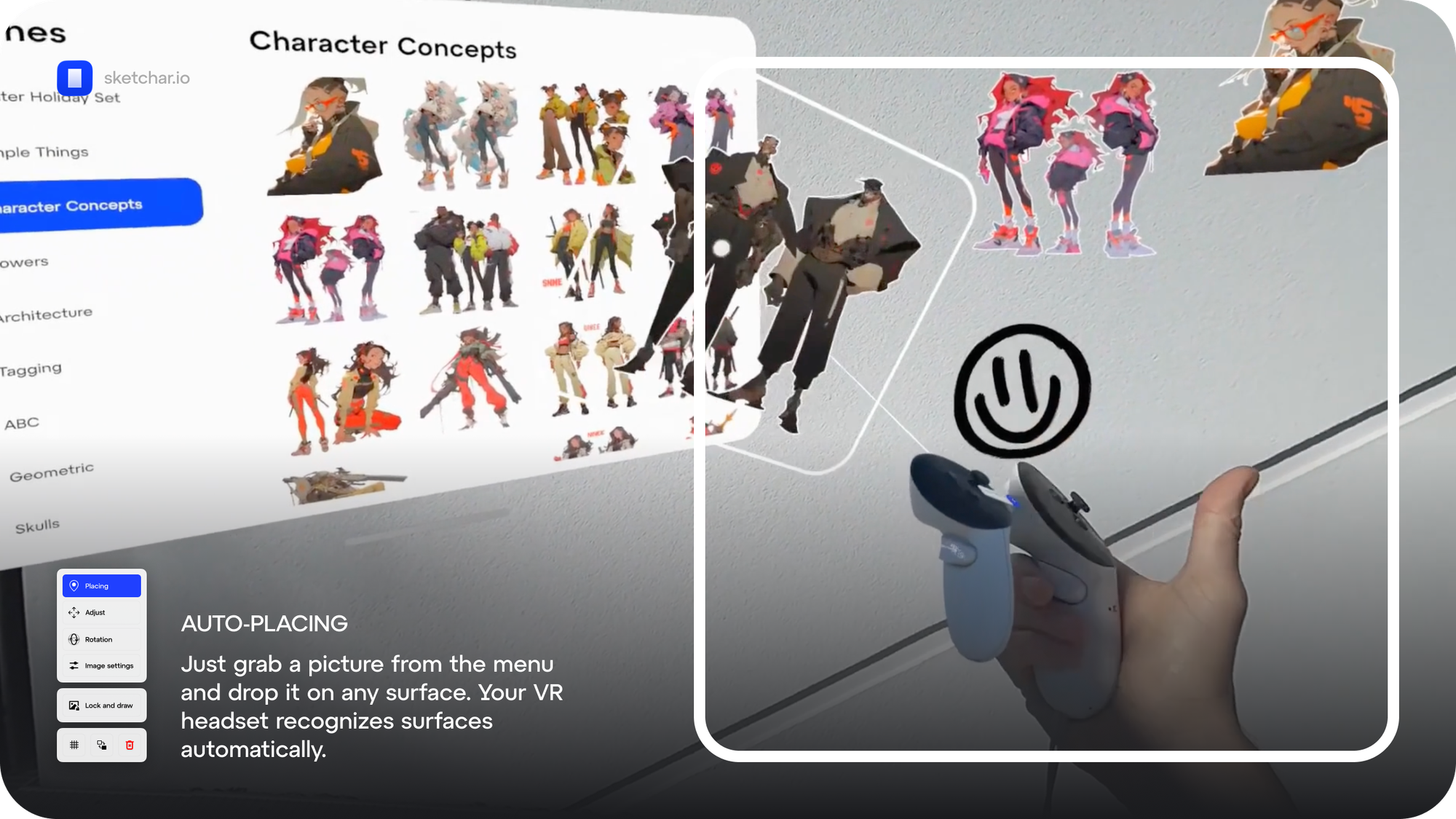
Open the image library, grab any reference — your own sketches, character concepts, lettering guides — and drop it. Your Meta Quest headset uses spatial detection to recognize the surface automatically and snaps the image right onto it. No manual calibration, no fiddling. Just place and go.
It works on any surface your headset can map: walls, floors, ceilings, curved architectural features. You show up, you place, you paint.
Collage Mode: Build Your Full Composition Right on the Wall
Most murals aren't built from a single reference. You're layering a character, a background element, lettering, a secondary figure — and you need to see how they all read together at scale before committing.
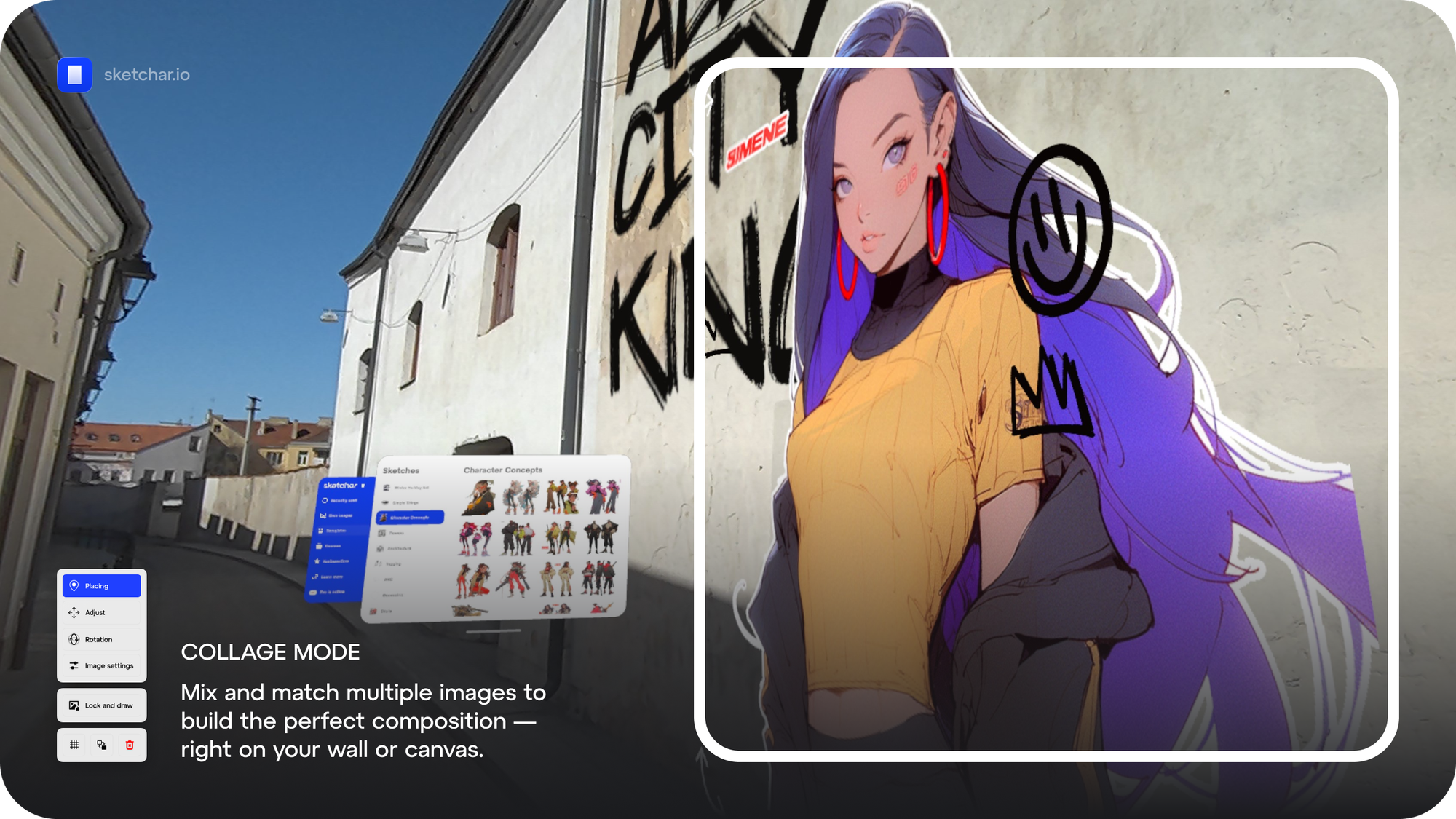
Collage Mode lets you place multiple images simultaneously on the same surface. Move them around, resize them relative to each other, and build out your complete composition in AR — directly on the wall you're about to paint.
This is the planning step that used to require paper printouts, tape, and a lot of stepping back to squint. Now it happens in your headset, at true scale, before your first mark.
Move and Scale: Precision Control on Every Axis
Once your reference is placed, you need it exactly right — not approximately right.
The new Move and Scale controls let you fine-tune position and size along the XYZ axis using your joysticks. Need to shift the reference two inches up? Done. Want to scale it up without losing the perspective? Point at the image with two index fingers and pinch.
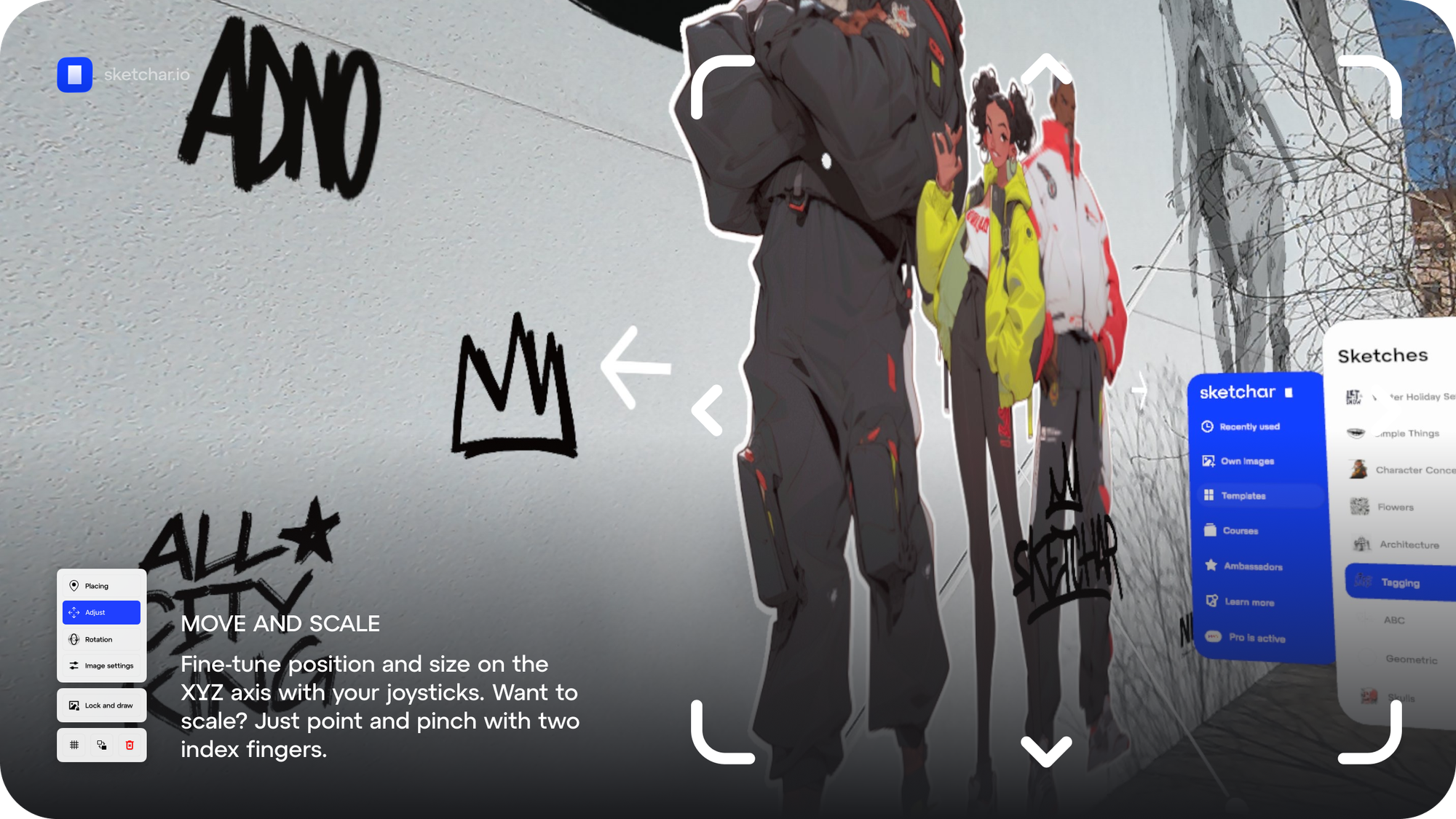
The control is intuitive enough to feel immediate, and precise enough to matter. Whether you're working on a 3-meter piece or filling a full building facade, the placement will be exactly where you need it.
Rotation: Match Any Wall, Any Angle
Walls aren't always flat. Corners, curved surfaces, architectural details — reference images need to follow the geometry of the space, not fight against it.
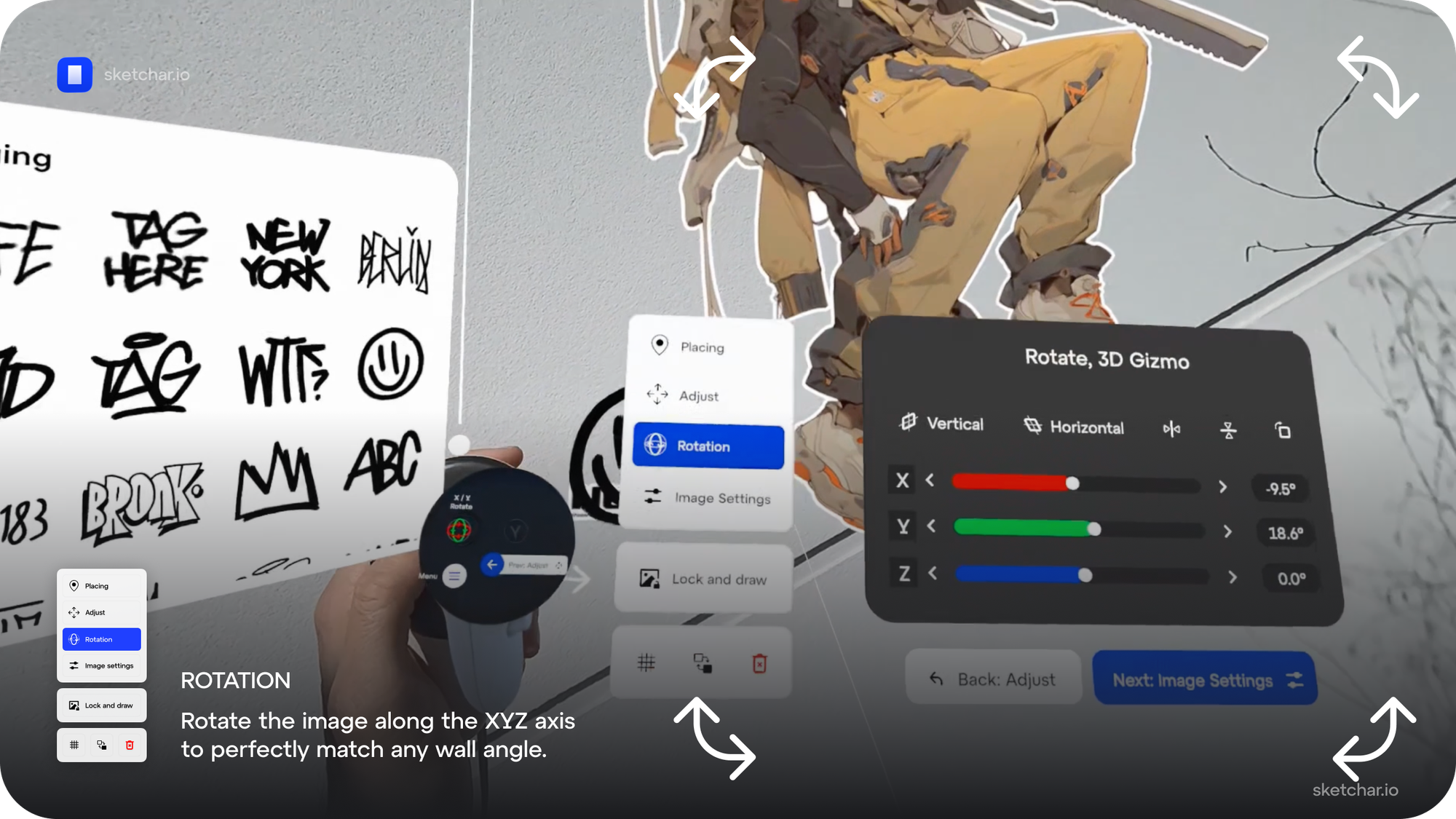
The new Rotation tool uses a 3D Gizmo interface to rotate your reference image along any axis: X, Y, or Z. Degree-level precision. Vertical surfaces, angled panels, wrapping compositions around a corner — your reference adapts to the wall, not the other way around.
Image Settings: See Exactly What You're Tracing
When you're mid-session, focus is everything. The last thing you need is a full-color reference competing visually with the lines you're trying to trace.
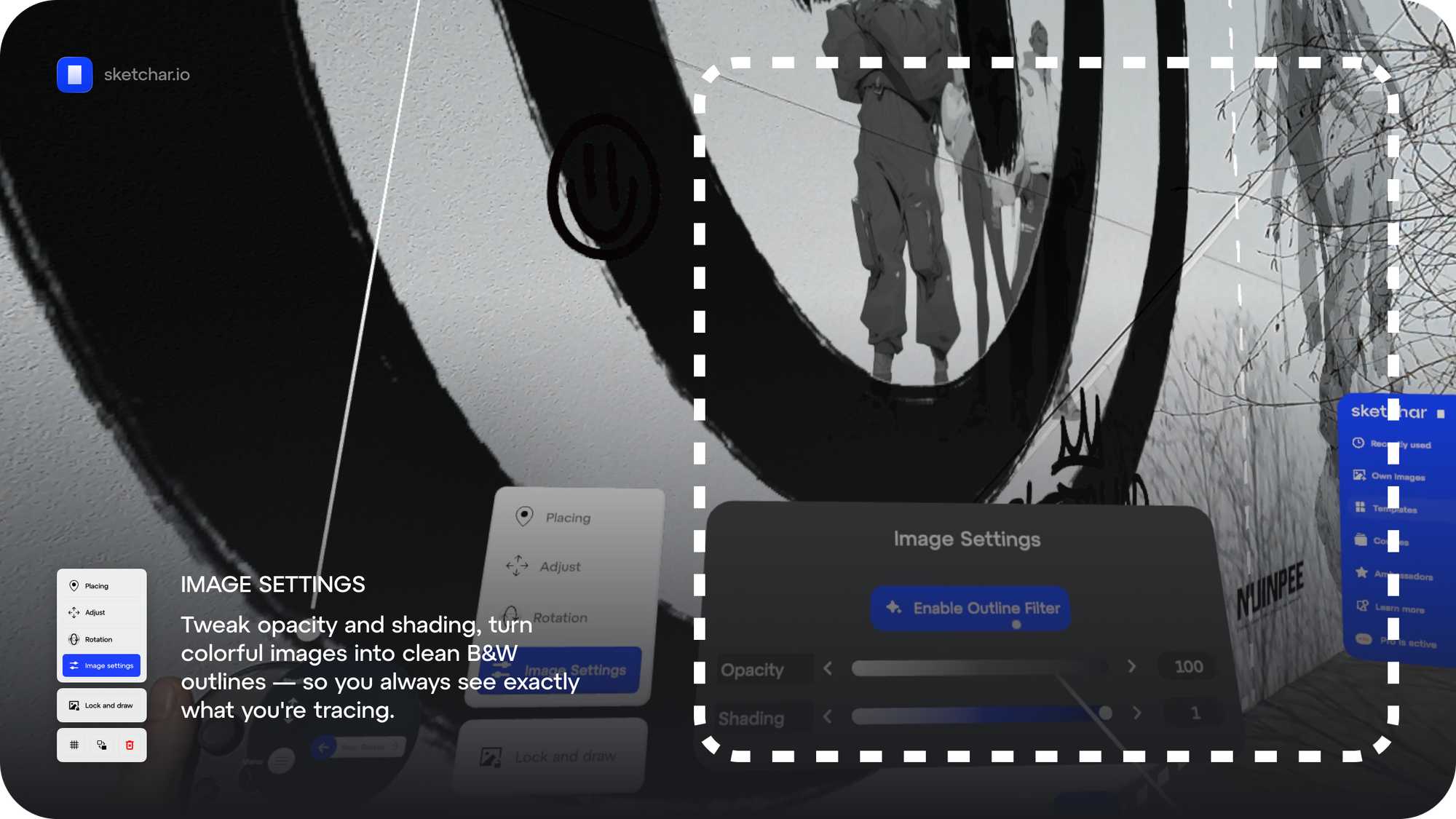
The new Image Settings panel gives you control over opacity and shading, plus a dedicated Outline Filter that converts any color image into a clean black-and-white contour guide. One tap and your detailed character concept becomes a crisp line overlay — exactly the reference your hand needs.
Adjust on the fly as the light changes, as the session goes long, as you move from roughing in proportions to detailing. Your reference works for you.
Mobile → VR: Your Full Library, Instantly Synced
Your best references are on your phone. Your sketches, your saved inspiration, your custom image sets — all of it sitting on a device that isn't your headset.
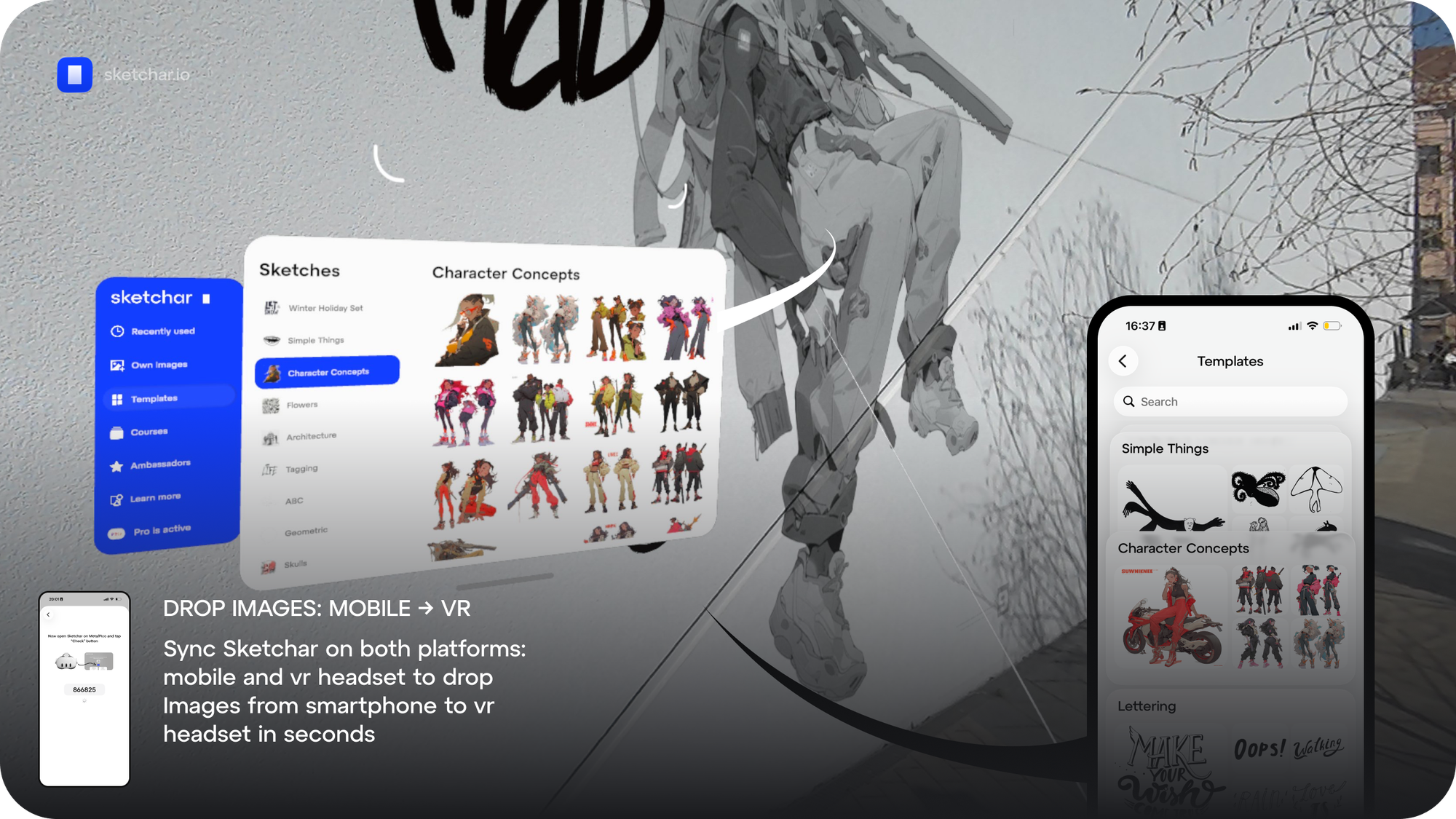
Now it doesn't matter. Open Sketchar on your phone, sync with your Meta Quest headset using the pairing code, and every image in your mobile library is instantly available in VR. No cables, no exports, no workarounds. Your mobile library becomes your VR library in seconds.
One App. Every Surface. Every Platform.
Sketchar on Meta Quest is the only AR drawing tool built specifically for muralists — and this update makes it the most capable version yet. Auto-surface detection, multi-image composition, millimeter-precise placement, and a direct bridge from your phone to your headset.
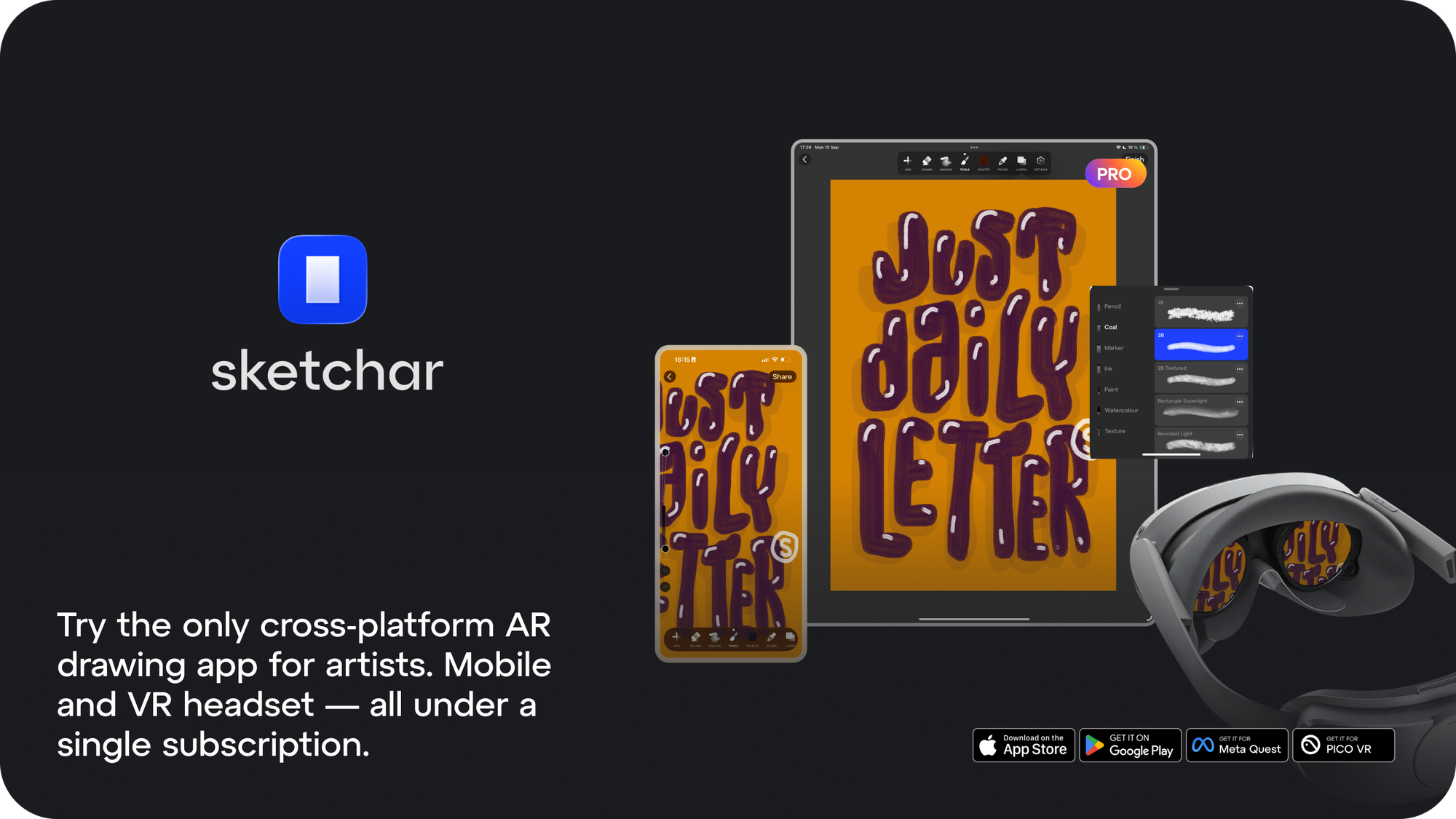
Available now on Meta Quest. And because Sketchar runs across iOS, Android, and VR under a single subscription, you're not paying twice for the same workflow.
Download Sketchar on Meta Quest or Pico 4 Ultra and see what your next wall looks like before you paint it.
Learn more at Sketchar.io.
▋