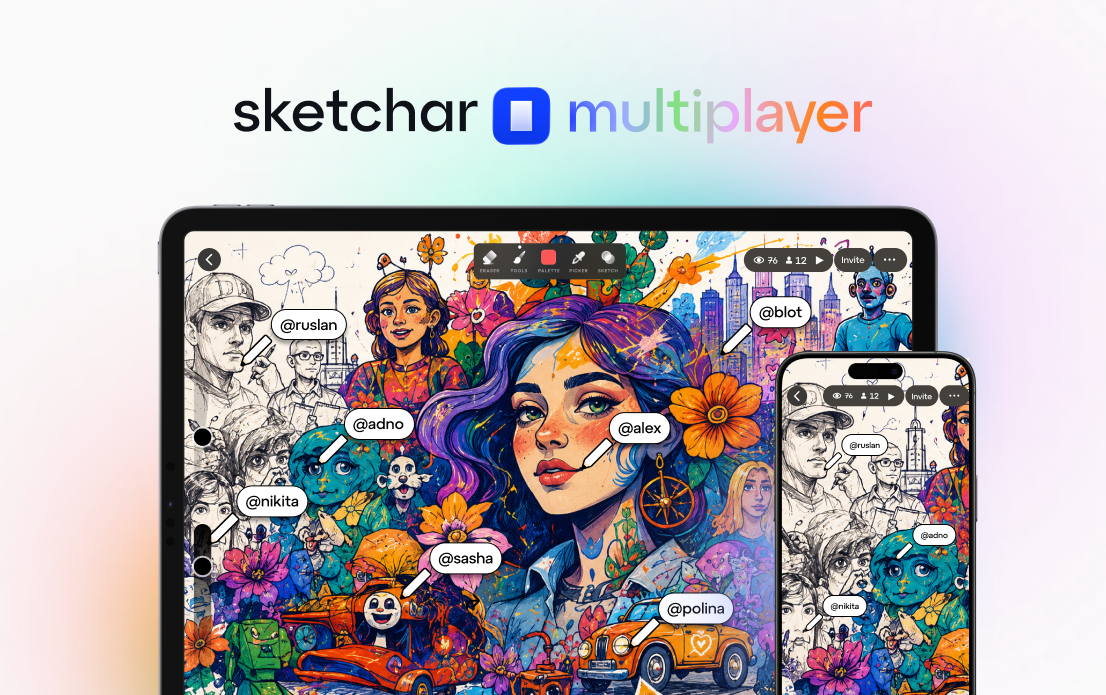
What if every blank canvas came with an open invitation — and anyone in the world could pick up a pencil and join you?
That's no longer a hypothetical. Today, Sketchar is launching Multiplayer — a real-time collaborative drawing experience built natively for mobile, available on both iOS and Android. It is, to our knowledge, the first and only cross-platform multiplayer drawing app designed from the ground up for phones and tablets.
No desktop required. No browser workarounds. Just open Sketchar, create a room, share a link, and draw together in real time.
What is Sketchar Multiplayer?
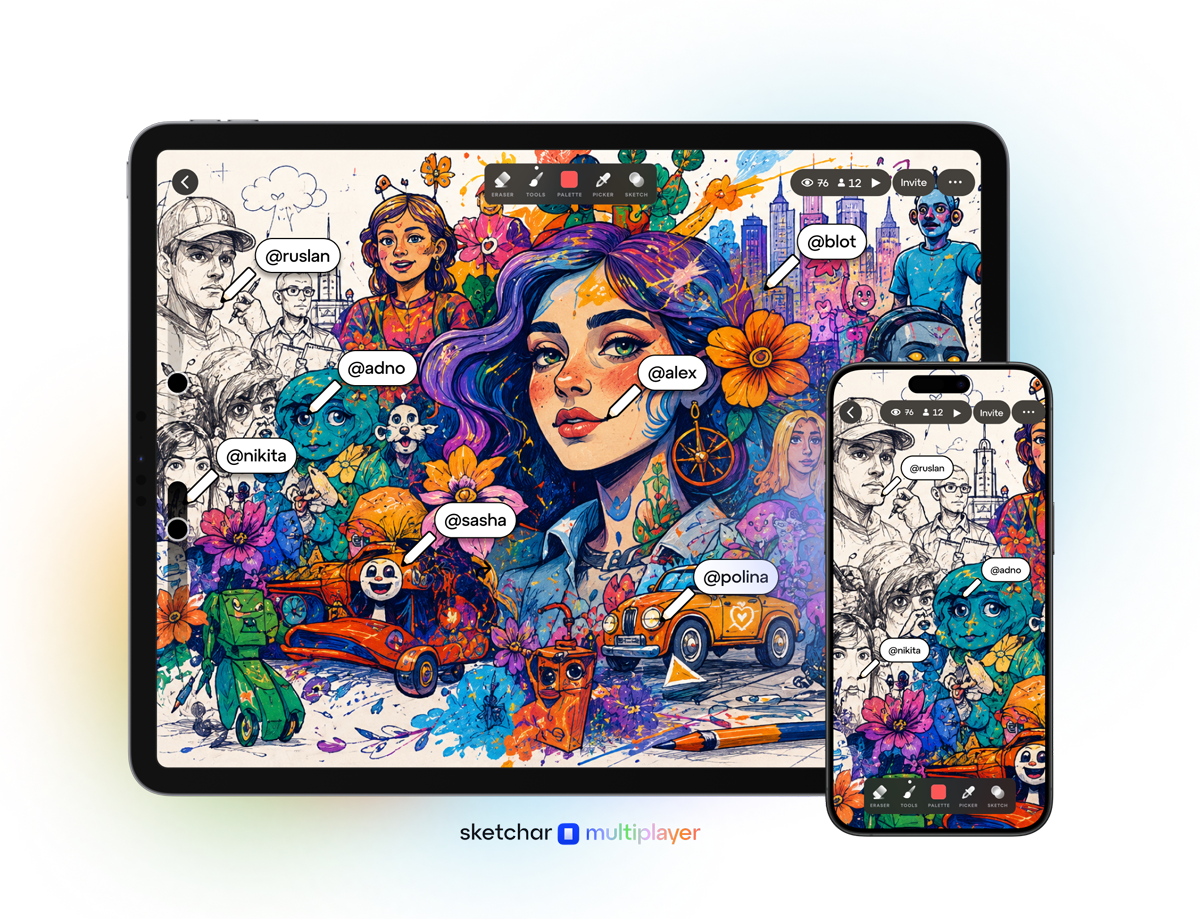
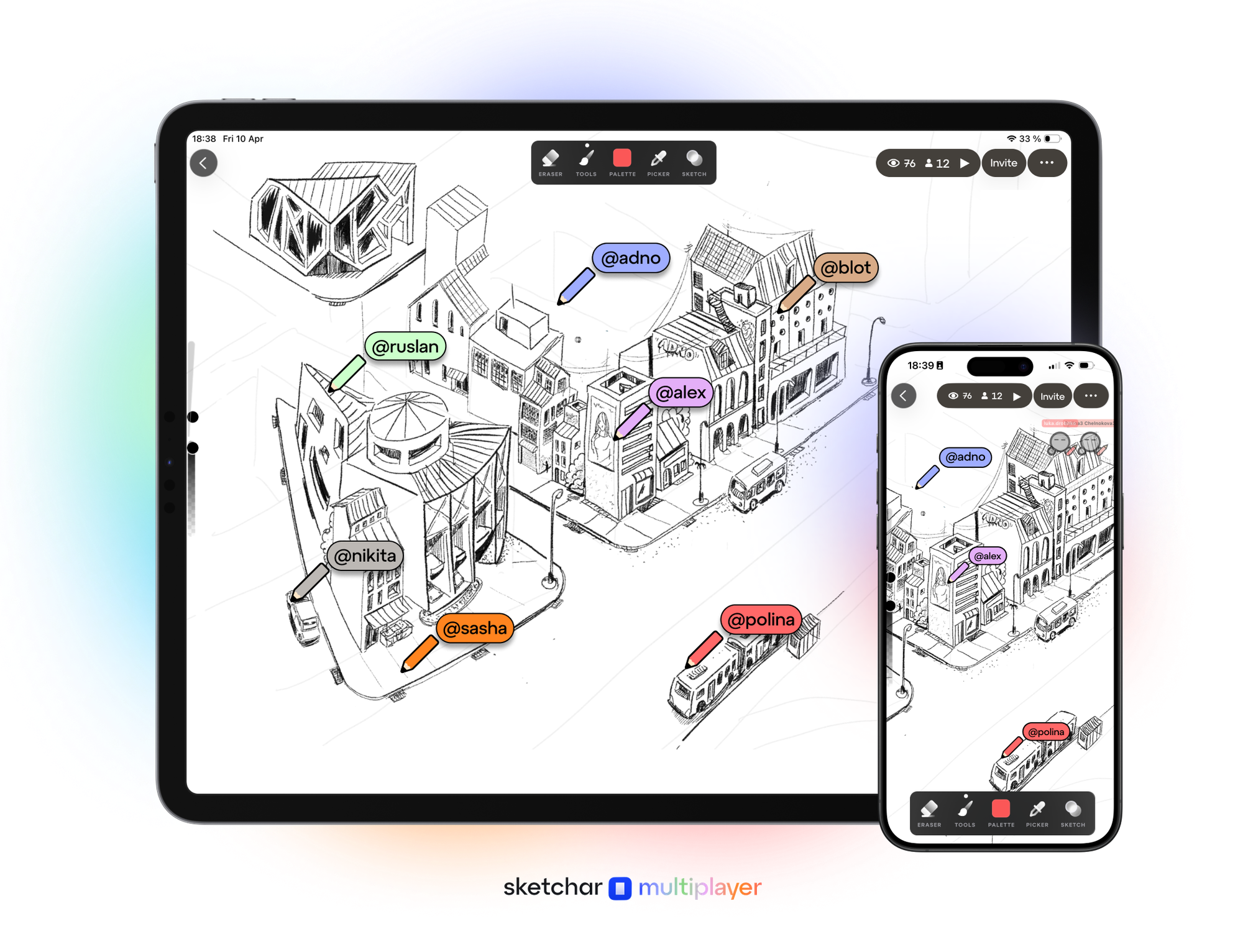
Sketchar Multiplayer is a new feature inside the Sketchar app (under the Collab section) that lets multiple people draw on the same canvas simultaneously. Every stroke appears in real time — you see other participants' pencils moving and their avatars on the canvas as they create.
Think of it as a shared digital sketchbook with no page limit and no cap on who can join.
The feature works cross-platform between iOS and Android, which means an artist on an iPhone and a friend on a Samsung tablet can co-create on the same canvas without friction. That cross-platform capability is what makes this genuinely new — real-time multiplayer drawing has existed in browser tools, but a native mobile experience that works across both major platforms hasn't been done before.
How it works
Getting started takes less than a minute:
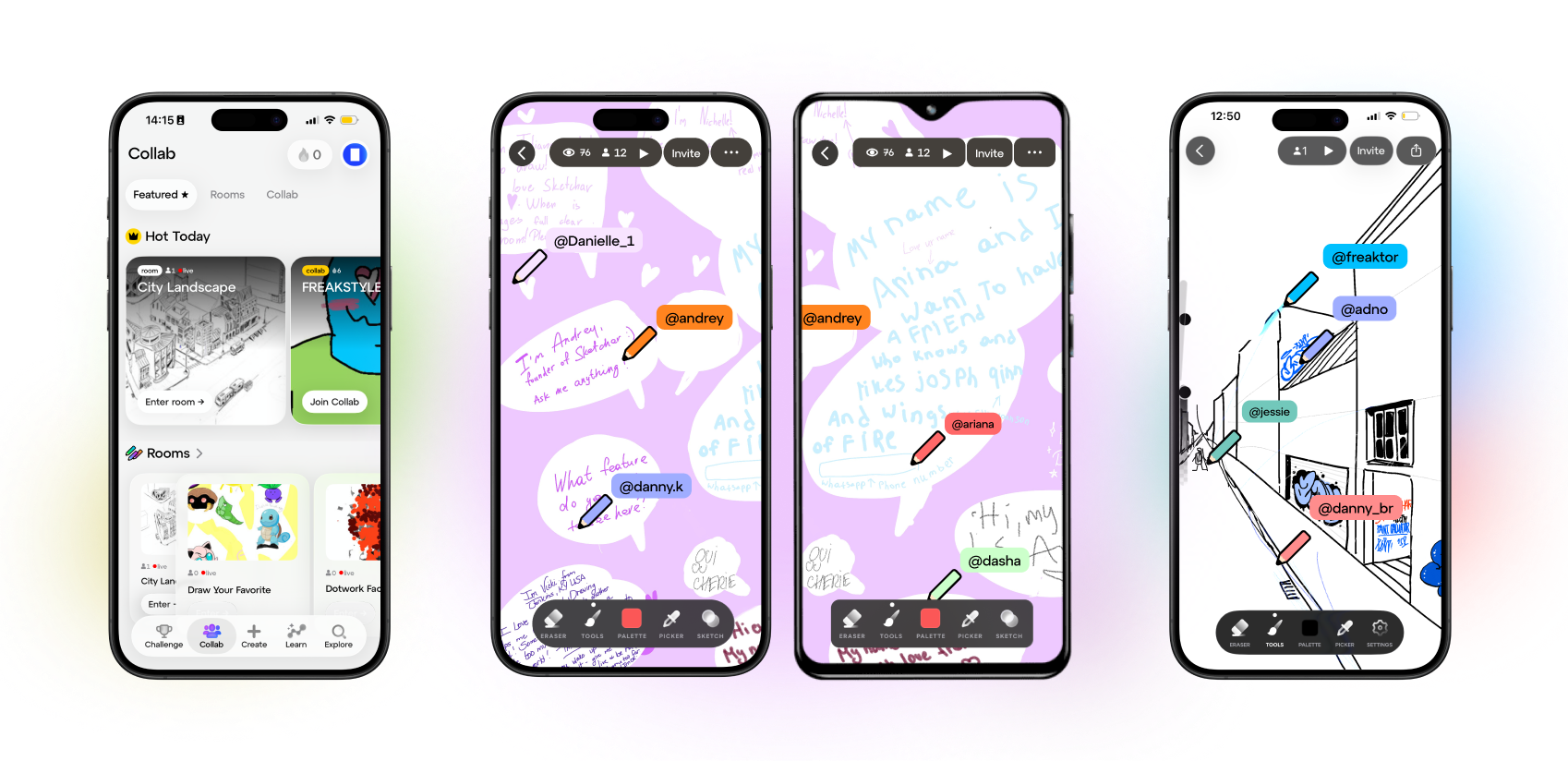
1. Create a room. Open Sketchar, go to Collab, and tap to create a new Room. You set the canvas size, give your room a name, and write a prompt — a description of what participants should draw. Something like "Draw your favorite Pokémon" or "Sketch your dream house."
2. Share the invite link. Every room has its own web page (for example: sketchar.io/room/...). Share that link anywhere — in a group chat, on social media, in a classroom. People who already have Sketchar installed go straight to the room. Those who don't get directed to the App Store or Google Play to download it first.
3. Draw together. Once inside, everyone draws on the same canvas at the same time. You see each participant's pencil and avatar moving in real time. There's no limit to how many people can join a room.
4. Watch it back. Sketchar records every stroke made during a session. When the drawing is done, you can generate a timelapse video of the entire creative process — from the first mark to the finished piece.
Who is this for?
Artists and creative communities
Sketchar Multiplayer is built for artists who want to create together — not just share finished work. Host a collaborative mural with your online community. Run a "draw this in your style" challenge where everyone works on the same canvas. Invite your art friends to a jam session where the canvas evolves in real time.
The timelapse recording feature adds another layer: share a video of 50 people building a piece together stroke by stroke. That's content that tells a story no single-artist timelapse can.
Schools and classrooms
A teacher can create a room, set a creative prompt ("Illustrate the water cycle" or "Draw a scene from the book we just read"), and have the entire class contribute to a single collaborative artwork — all from their own devices.
It turns drawing from a solo assignment into a shared experience. And because the host controls the room, teachers can moderate participation and keep the session focused.
Teams and brainstorming groups
Not every sketch needs to be art. Sketchar Multiplayer works for visual brainstorming — sketching out ideas, wireframing concepts, mapping out thoughts together. Any group that thinks better with a whiteboard can now do it from their phones, no meeting room required.
Timelapse: every session becomes a story
Every multiplayer session in Sketchar is recorded stroke by stroke. Once a session ends, the app can generate a timelapse video showing the entire drawing process — from blank canvas to finished collaboration.
This isn't just a nice-to-have. For artists, it's shareable content. For teachers, it's a record of student participation. For communities, it's a visual story of collective creativity.
Why cross-platform matters
The most common barrier to collaborative drawing on mobile has been platform fragmentation. iOS users in one app, Android users in another, and no shared canvas between them.
Sketchar Multiplayer removes that barrier entirely. The experience is native on both platforms — not a web wrapper, not a compromise. The real-time sync works the same whether you're on an iPad or an Android phone.
That matters most in the scenarios where this feature shines: classrooms where students have different devices, online communities where members use whatever phone they own, and teams where device choice is personal.
Roles that keep the room running smoothly
Not everyone in a room needs to hold a pencil. Sketchar Multiplayer includes three roles to keep sessions organized and safe:
Host — the person who creates the room. The host sets the rules and has moderation tools: they can remove participants who aren't following the prompt or ban users who violate guidelines.
Participant — anyone who accepts the room's rules and joins the drawing session. Participants have full drawing access on the shared canvas.
Spectator — watchers who want to see the creative process unfold without drawing. Spectators can observe in real time without interfering with the canvas.
This role system means a teacher can host a room while students draw, or a streamer can let their audience watch a collaborative art session live.
It's in beta — and we want your feedback
Sketchar Multiplayer is launching as a public beta. The core experience — real-time collaborative drawing, rooms, invites, roles, timelapse — is fully functional.
We shipped it this way deliberately. We want real people using it, pushing it, and telling us what matters most. The features we build next will be shaped directly by your feedback.
If you try Sketchar Multiplayer and have thoughts — what's working, what's missing, what you wish it could do — we want to hear it. Reach out to hello(at)sketchar.io
▋