Flat walls were never the limit. Now your sketches aren't either.
We invented AR drawing back in 2012. Since then, "point your phone at a wall and trace your sketch" has become the way a whole generation of mural artists work. But the world isn't flat — and walls aren't the only canvas. Columns, water tanks, helmets, skate bowls, the inside and outside of a corner, the pavement under your feet: real surfaces bend.
So we improved Surface Mode — a new way to wrap, bend, and project any sketch onto almost any shape. It ships across the Meta Quest app and the Sketchar mobile app on iOS and Android. Here's everything it does.
Three ways to bend a sketch
Surface Mode lives in the image menu (right controller in VR) and gives you three core tools:
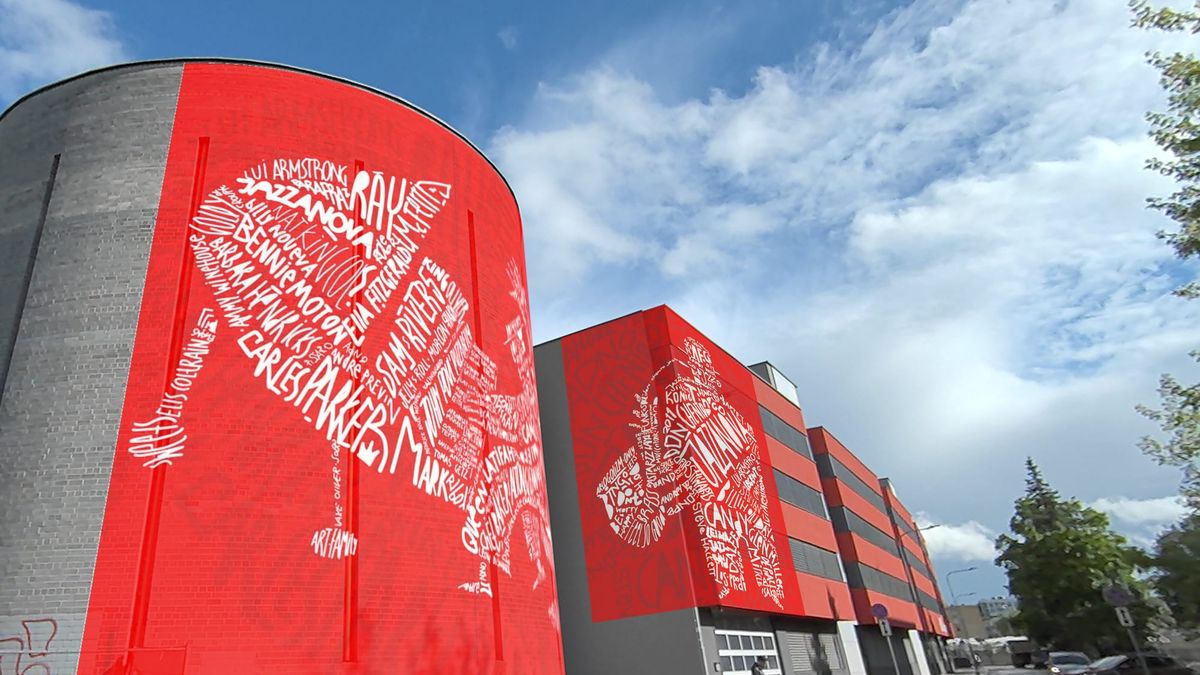
Cylinder Warp distorts your sketch so it wraps cleanly around cylindrical surfaces — columns, water tanks, pillars, barrels, anything round.
Corner Warp lays your sketch across an edge, internal or external, so a mural can turn a corner without breaking.
Flat + perspective keeps the wall flat but lets you skew the perspective of the drawing itself. Dial it gently and you get the floating, perspective-bent lettering you've seen in Erik Bulatov's paintings. Push the settings together and you've got a sketch ready to become a full 3D ground illusion — no manual prep required.
How each mode works in Meta Quest
1. Cylinder / Semi-sphere Warp — two controls, two joysticks.
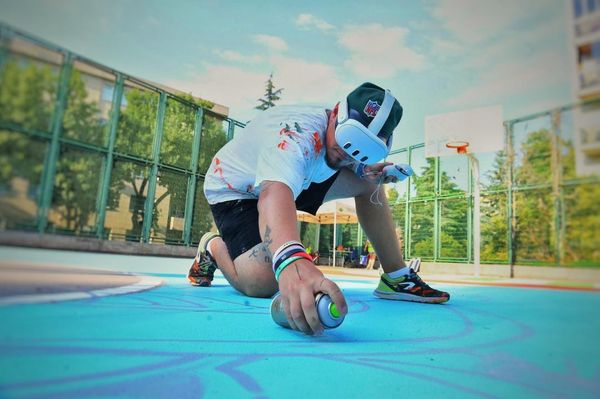
The right joystick bends the image horizontally and vertically. Blue trapezoids show you exactly where the bend lands. Use H and V at the same time and the image folds into a semi-sphere — perfect for a motorcycle helmet, a car hood, or the curved walls of a skate bowl.
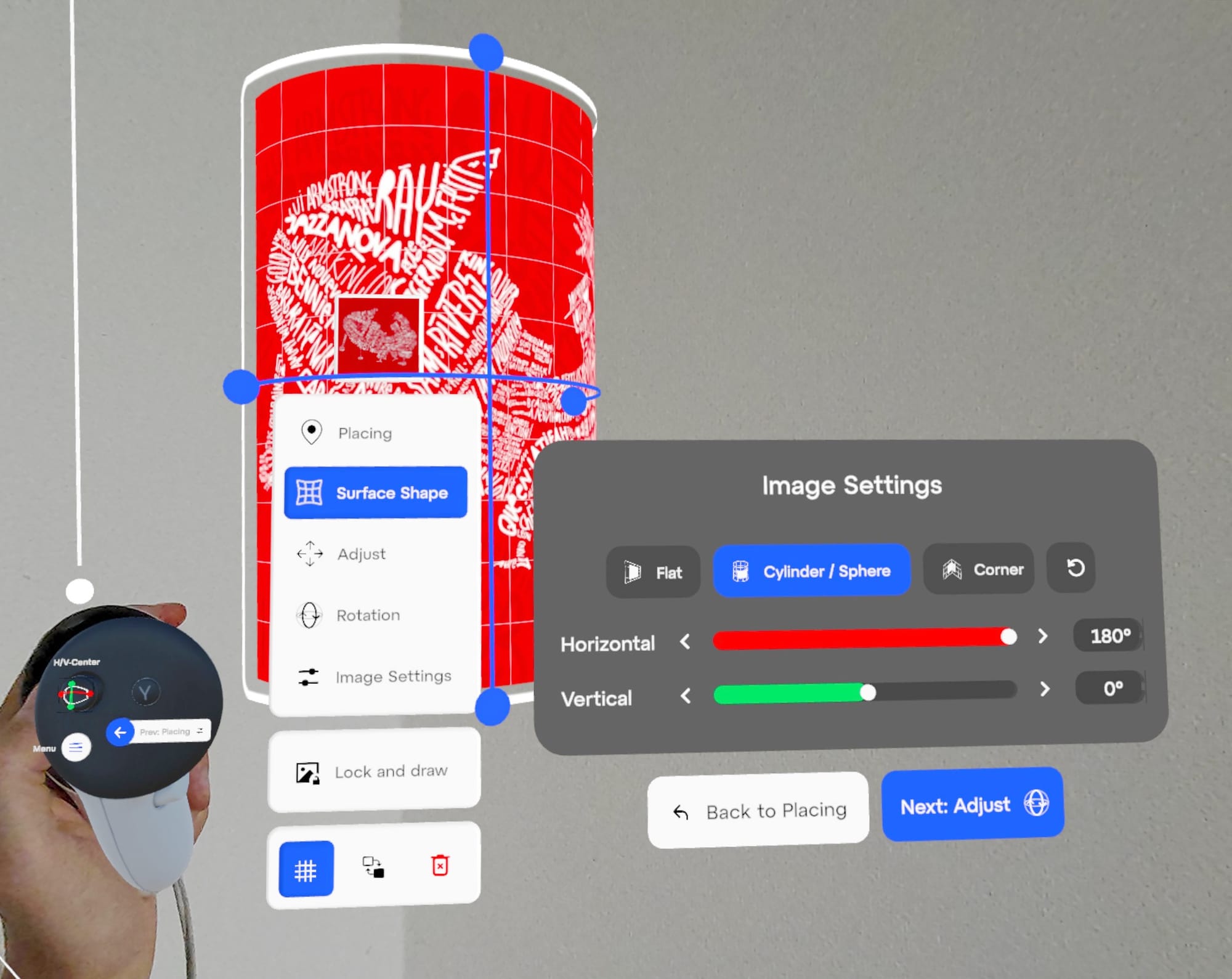
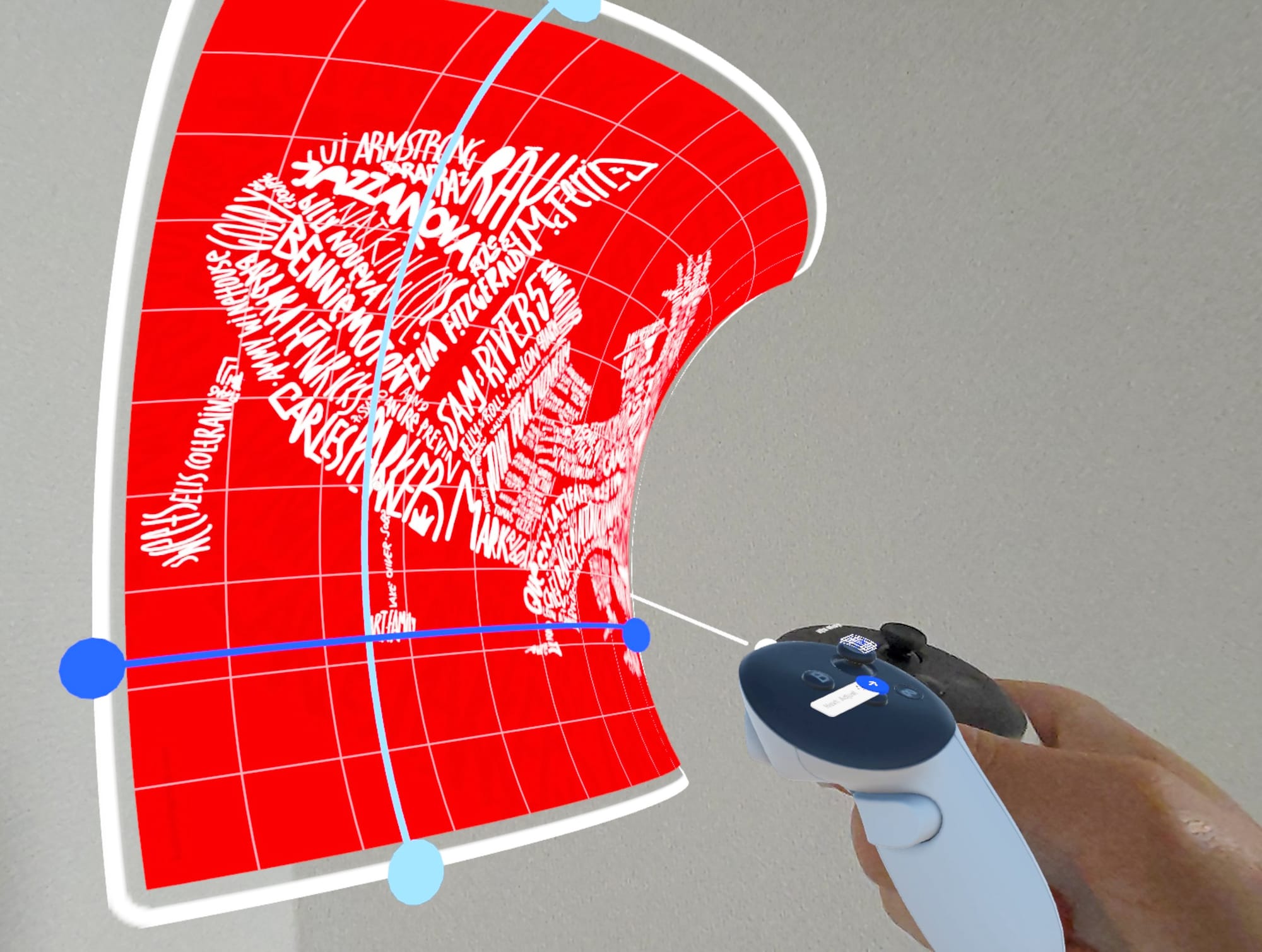
Transforming a flat sketch into a cylindrical shape with Sketchar on Meta Quest.
The left joystick shifts the bend relative to the center. This is for work that's meant to be seen from one specific vantage point, where you want the proportions to read correctly from there. Think of Michelangelo's David: the head is slightly oversized on purpose, because it was carved to be viewed from below. Same idea — you tune the sketch so it looks right from where people will actually stand.
2. Corner Warp — projection onto edges.
Set the angle with the right joystick: vertical or horizontal, internal or external corner. Shift where the bend sits with the left joystick. This is the mode for anyone painting a mural that carries from one wall onto the next without losing the line.
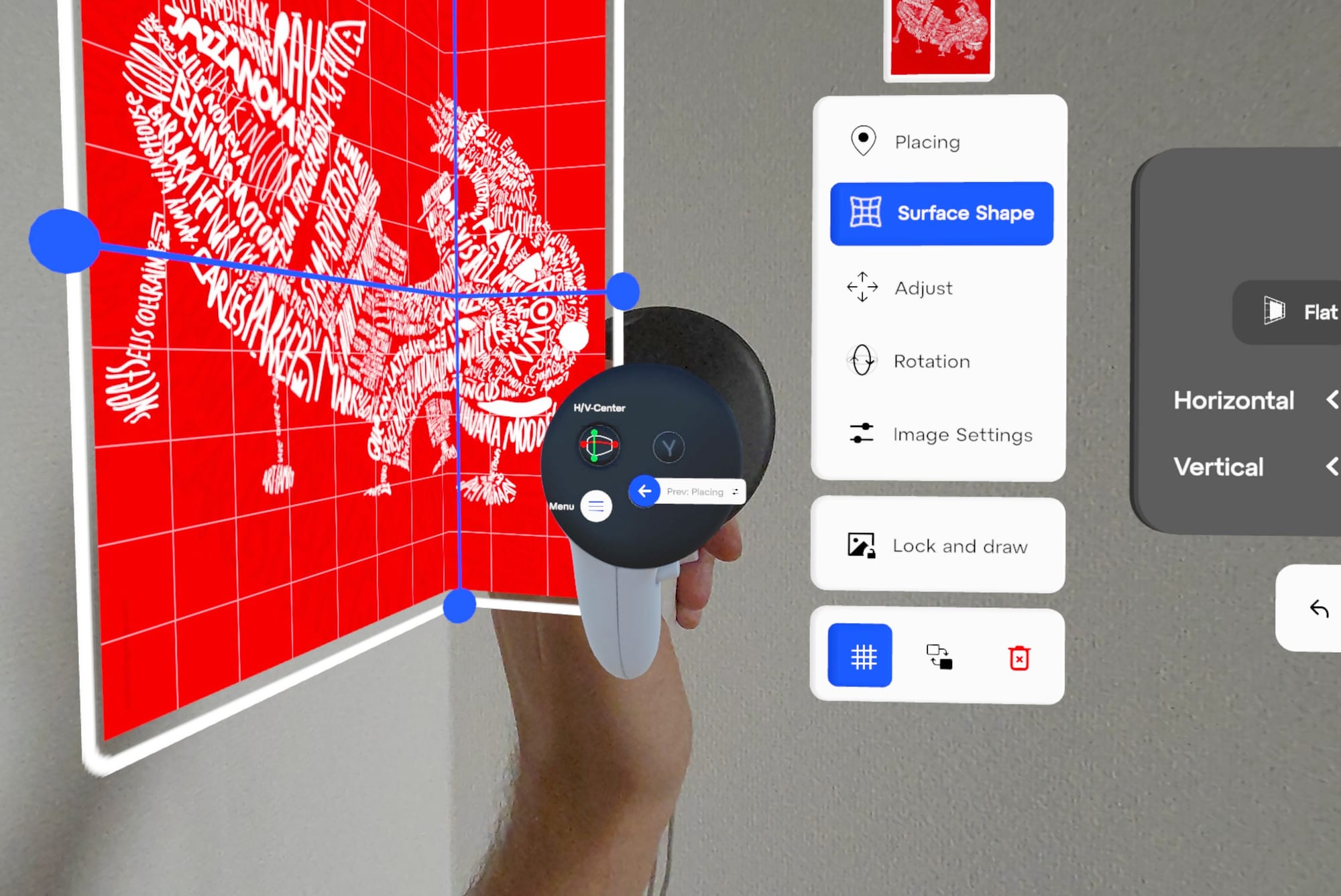
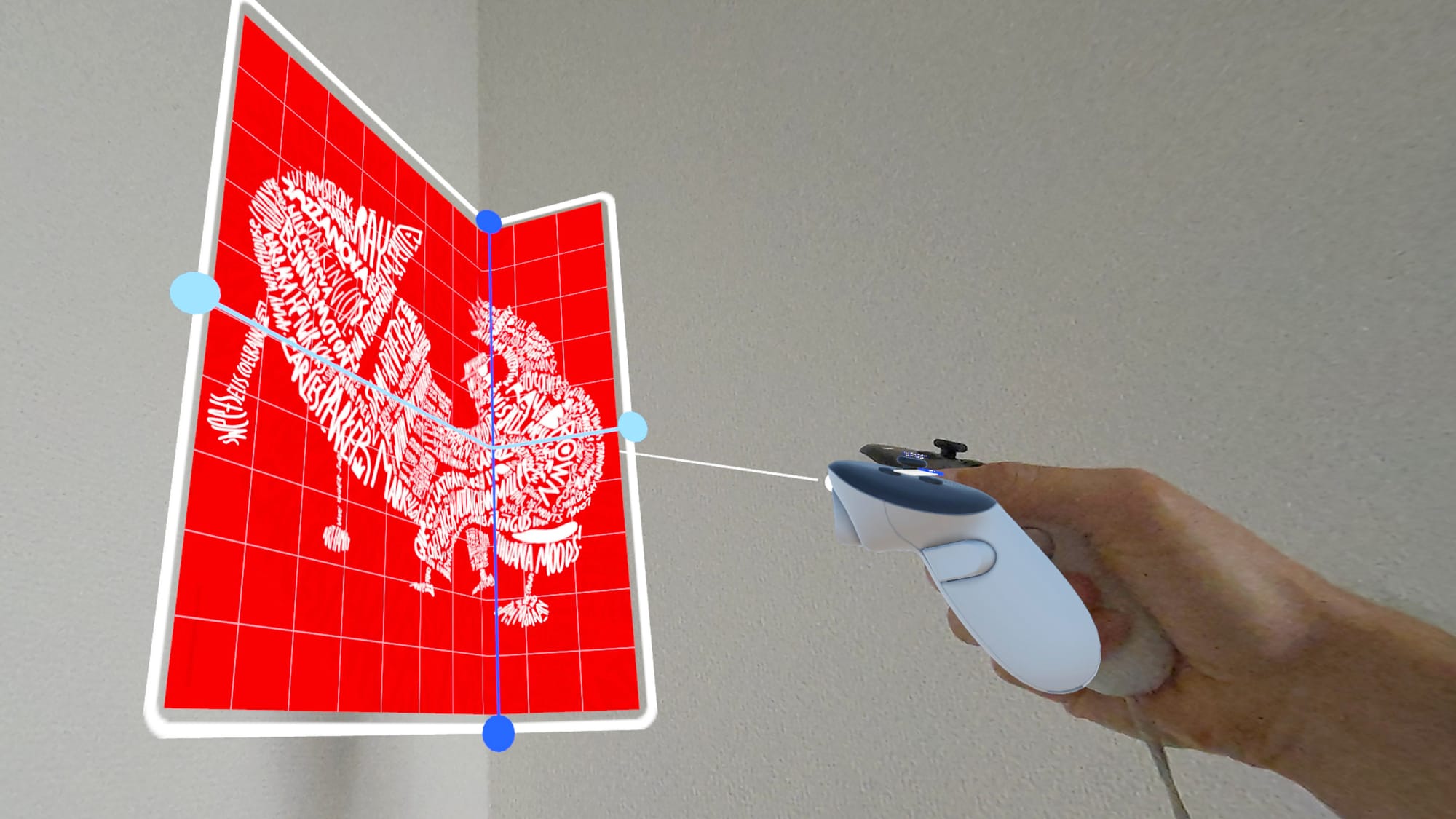
Bend and position your sketch into any corner — with Sketchar on Meta Quest.
3. Flat + 3D illusion (bonus)
The flat-wall mode now doubles as a planning and projection tool for 3D ground illusions — those anamorphic pieces that look three-dimensional from the right angle — with no pre-distorted sketch needed. We'll publish a step-by-step guide on pulling off a ground illusion in the next article.
Same power, now on your phone
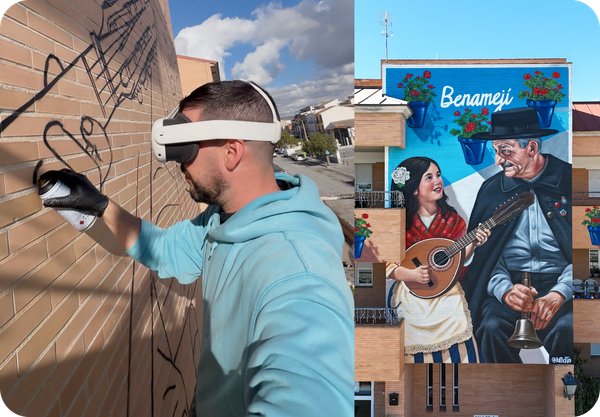
The mobile app gets the same upgrade. We were first to ship live mural previews back in 2017, and now Wall View (a.k.a. Mural View) adds the new placement settings for cylinders and corners. Open the Wall View icon in the iOS or Android app and try it on whatever surface is in front of you.
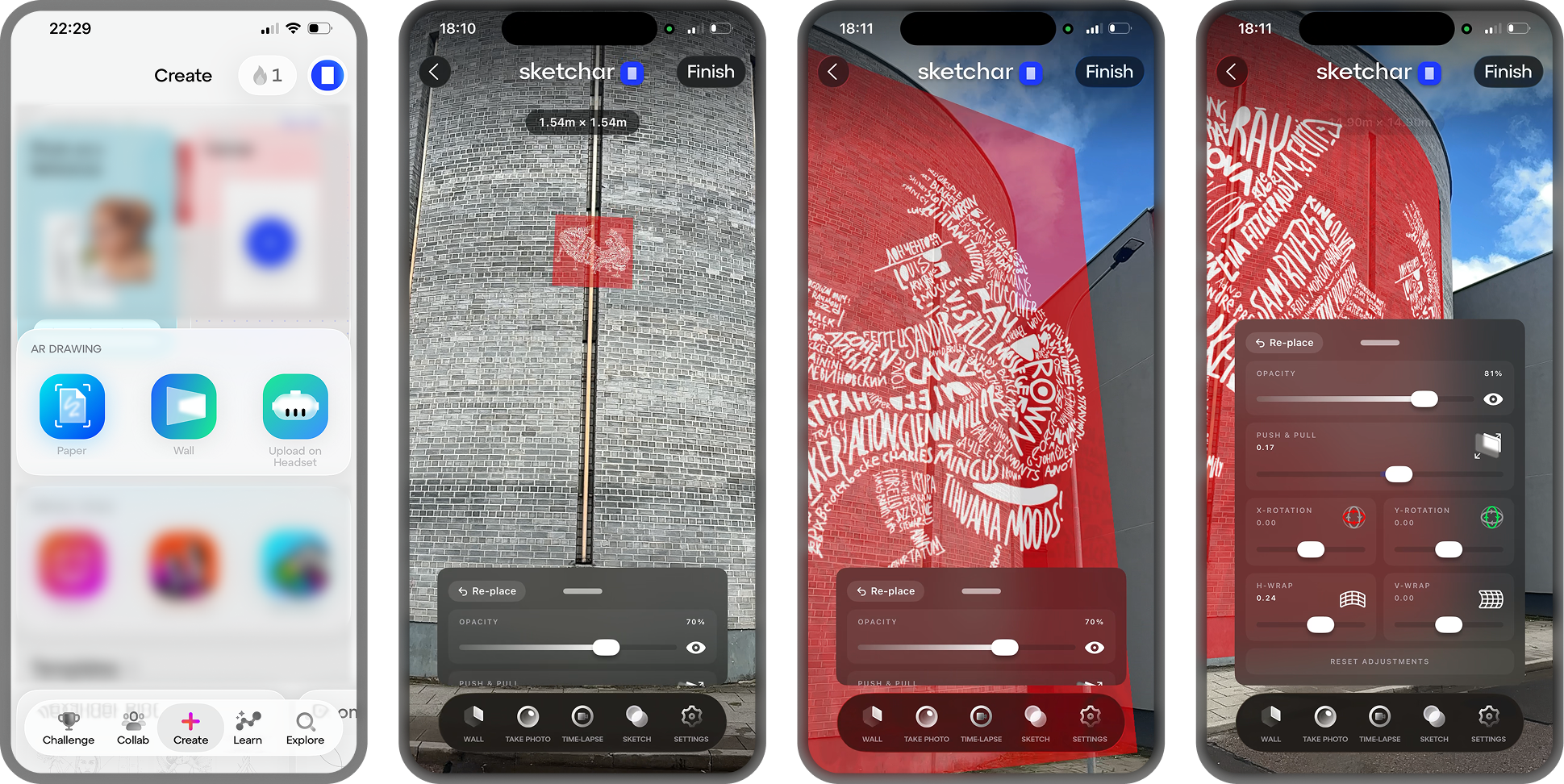
2017. Weaker phones. Same mission. Mural and graffiti artists were already using Sketchar to project sketches onto walls. Here's a throwback.
Color the world — on any shape
Sketchar was conceived in 2012 and launched in 2016 with a simple mission: color the world at scale by building innovative tools for artists. Surface Mode is the next step. Flat walls were just the beginning — now any surface is your canvas.
Update the app on Meta quest and open Surface Mode — then show us what you wrap, bend, and project.
▋