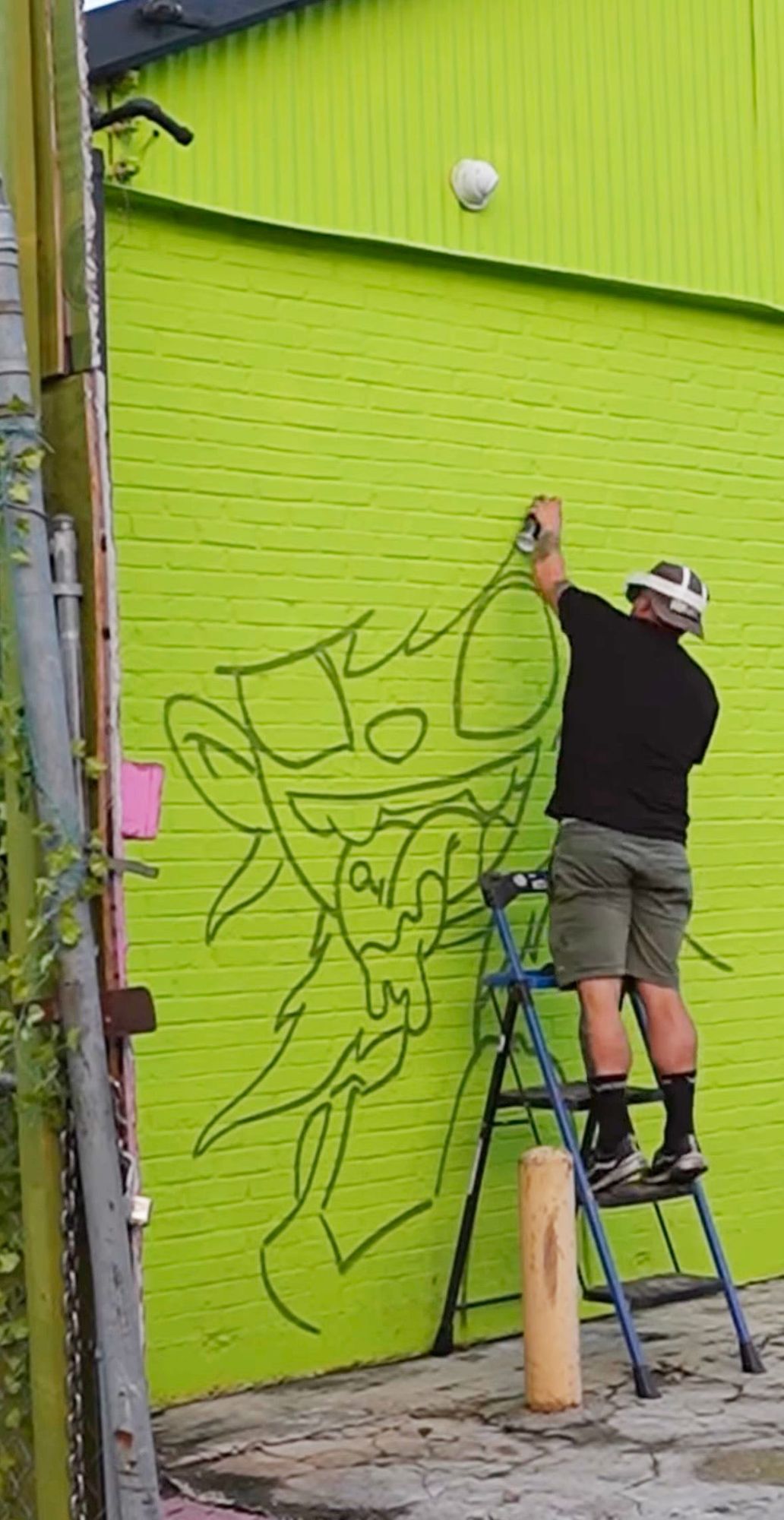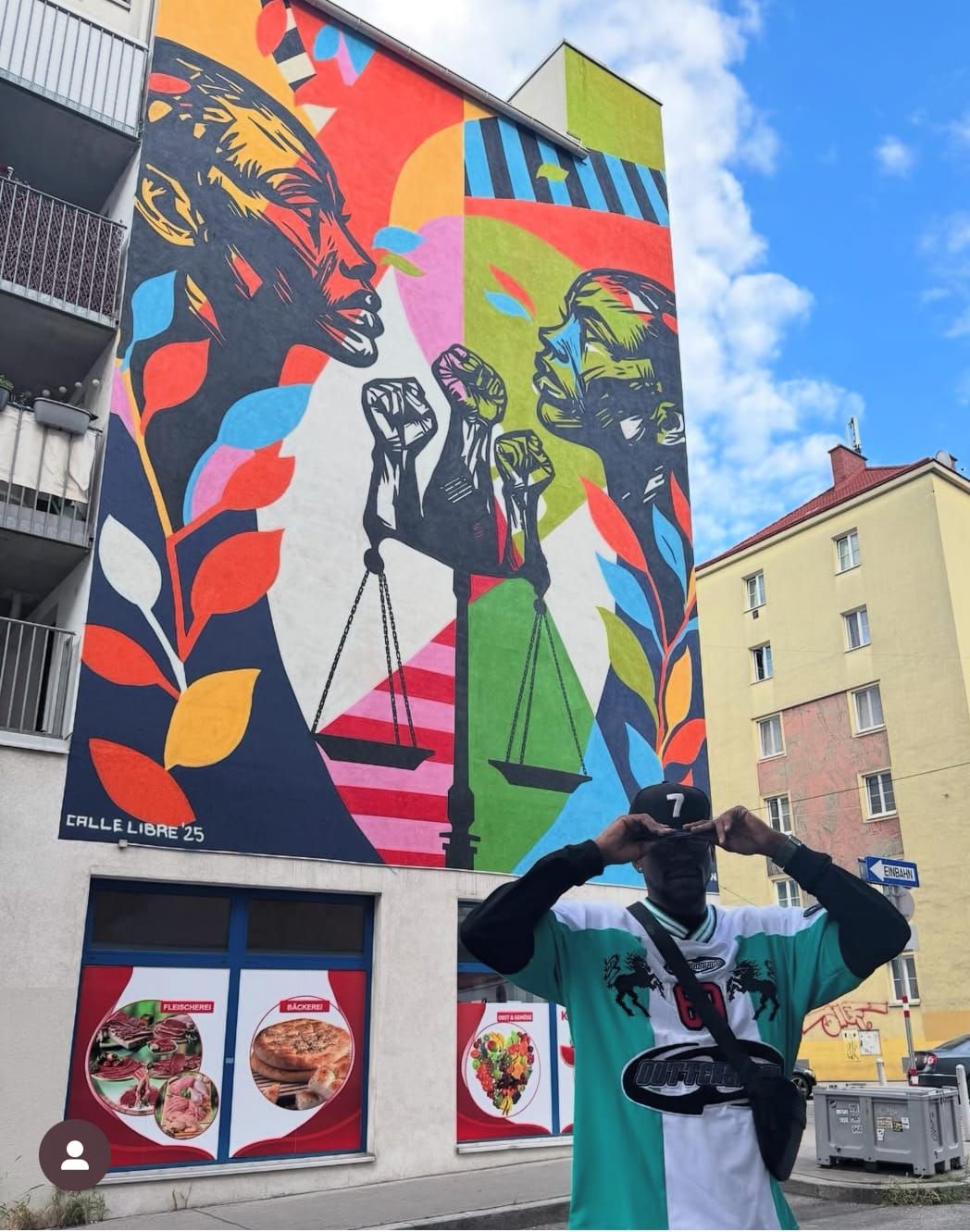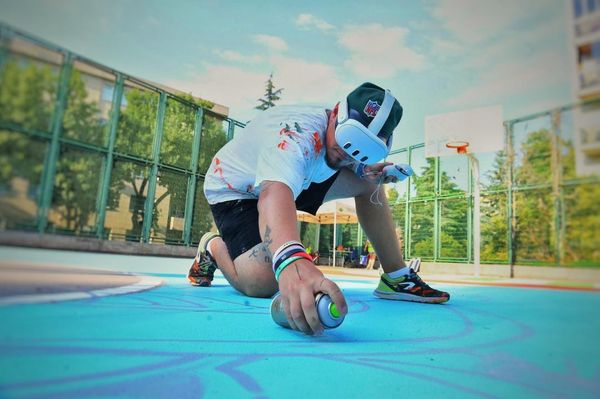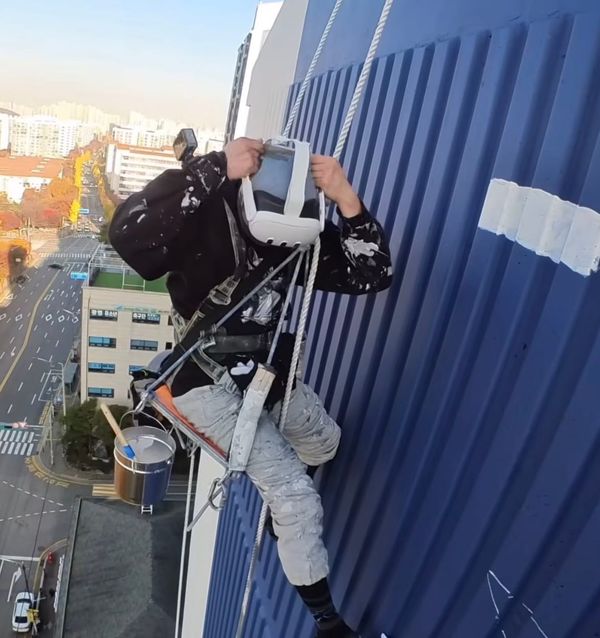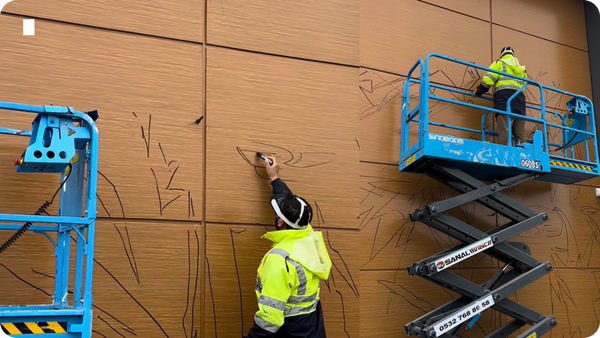

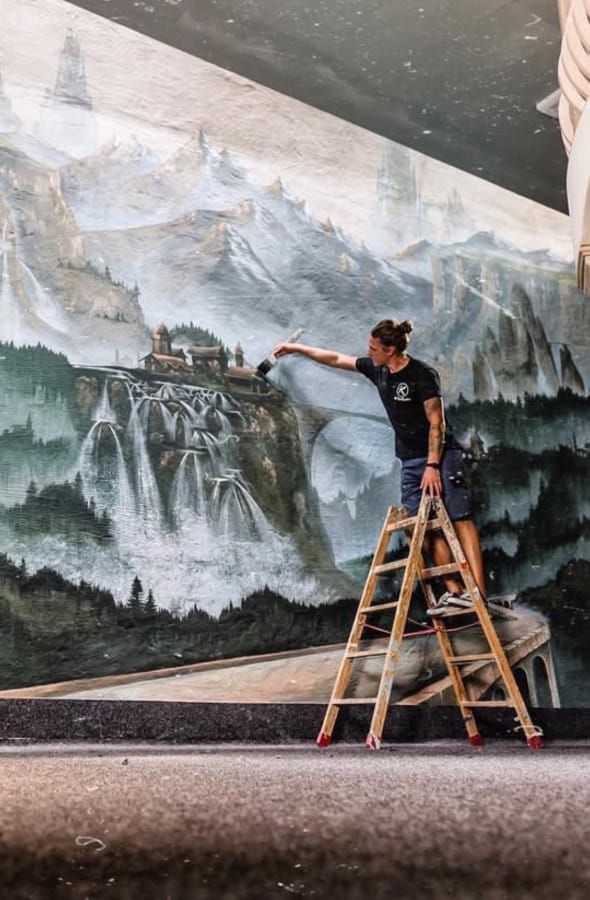
How to Draw a Mural Using Sketchar on Meta Quest VR Headset: The Case of Osa Seven
The story of creating a mural using augmented reality and vr headset
We’re thrilled to share an exciting milestone: the University of Cambridge faculty now use Sketchar.io on a regular basis. For us, it’s a true honor to see one of the world’s oldest and most prestigious universities choose Sketchar as a tool and platform for fostering creativity...
Sketchar introduces an advanced Smudge tool — blend colors, smooth edges, and create stunning transitions like digital oil painting. Experiment with different brushes and bring your art to life!
Are you looking for a drawing app that sparks creativity, connects you with a creative community, and helps you learn to draw in a fun and engaging way? Meet Sketchar Collabs — the latest feature in the Sketchar app, designed for artists, hobbyists, and anyone passionate about drawing as a hobby...
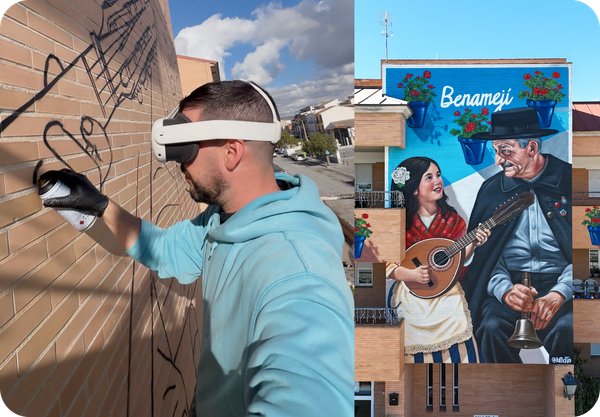
We’re excited to bring Sketchar to Meta Quest — expanding our AR drawing experience beyond iOS and Android into the world of immersive XR. What is Sketchar for Meta Quest? Sketchar for Meta Quest is a magic layer between VR headset and the real world surfaces. Using your Quest headset,...
Introducing New Brushes on Sketchar Create stunning artwork with our new professional brush set.