Draw on Curved Walls & Corners – Sketchar Surface Mode
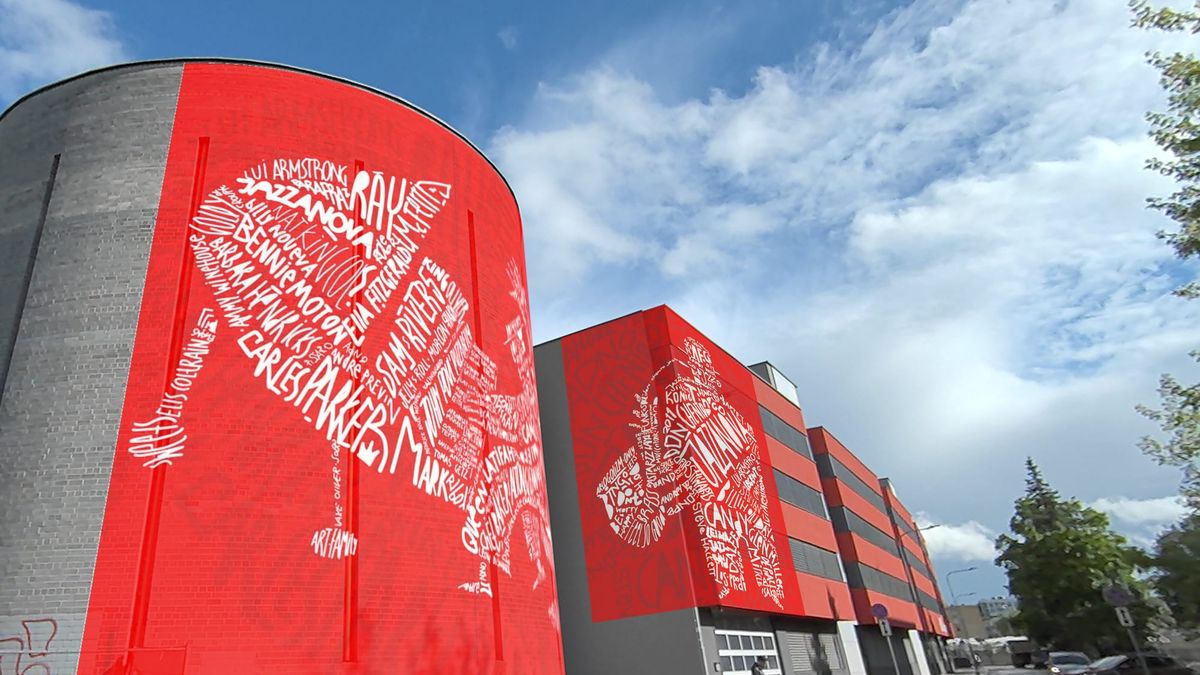
Sketchar Surface Mode lets mural artists project sketches onto cylinders, corners, and curved surfaces — plus a new perspective mode for 3D ground illusions.

Sketchar Surface Mode lets mural artists project sketches onto cylinders, corners, and curved surfaces — plus a new perspective mode for 3D ground illusions.
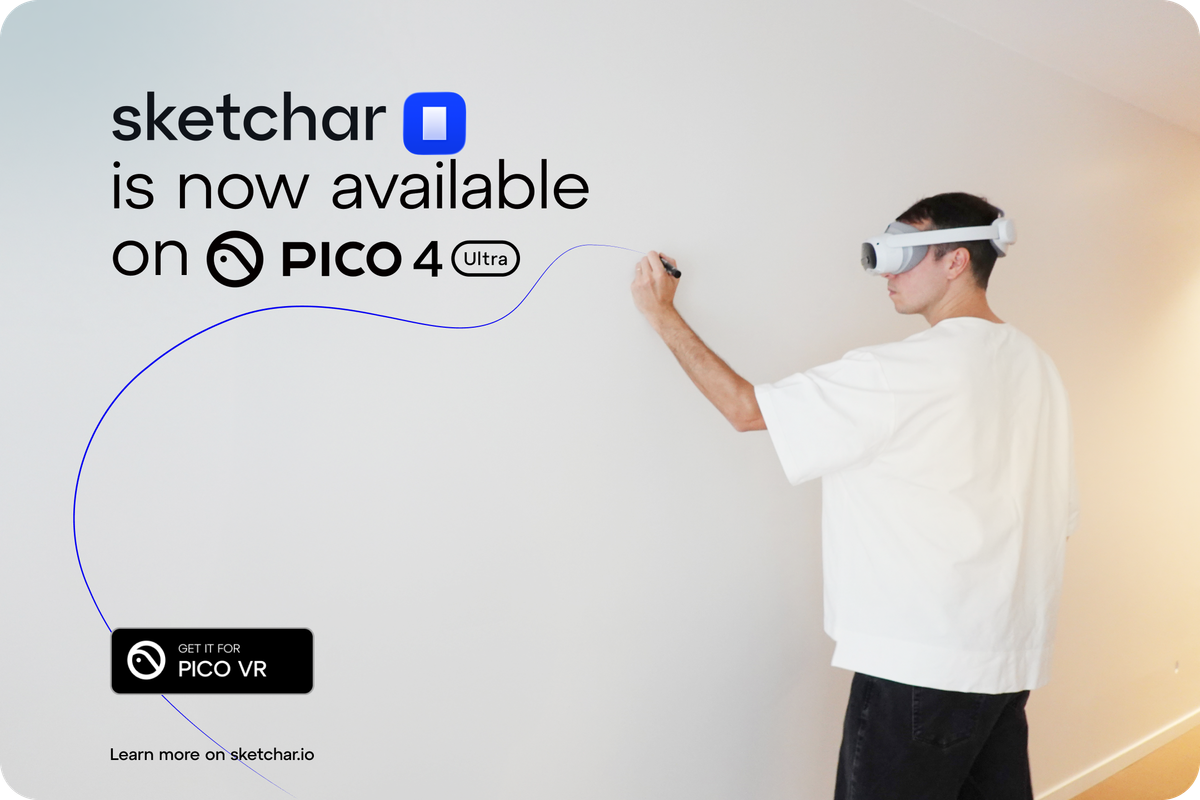
Sketchar is now on PICO 4 Ultra 🕶️ Thousands of muralists are moving away from projectors + grids and switching to VR overlays—because it’s simply faster, cleaner, and more precise
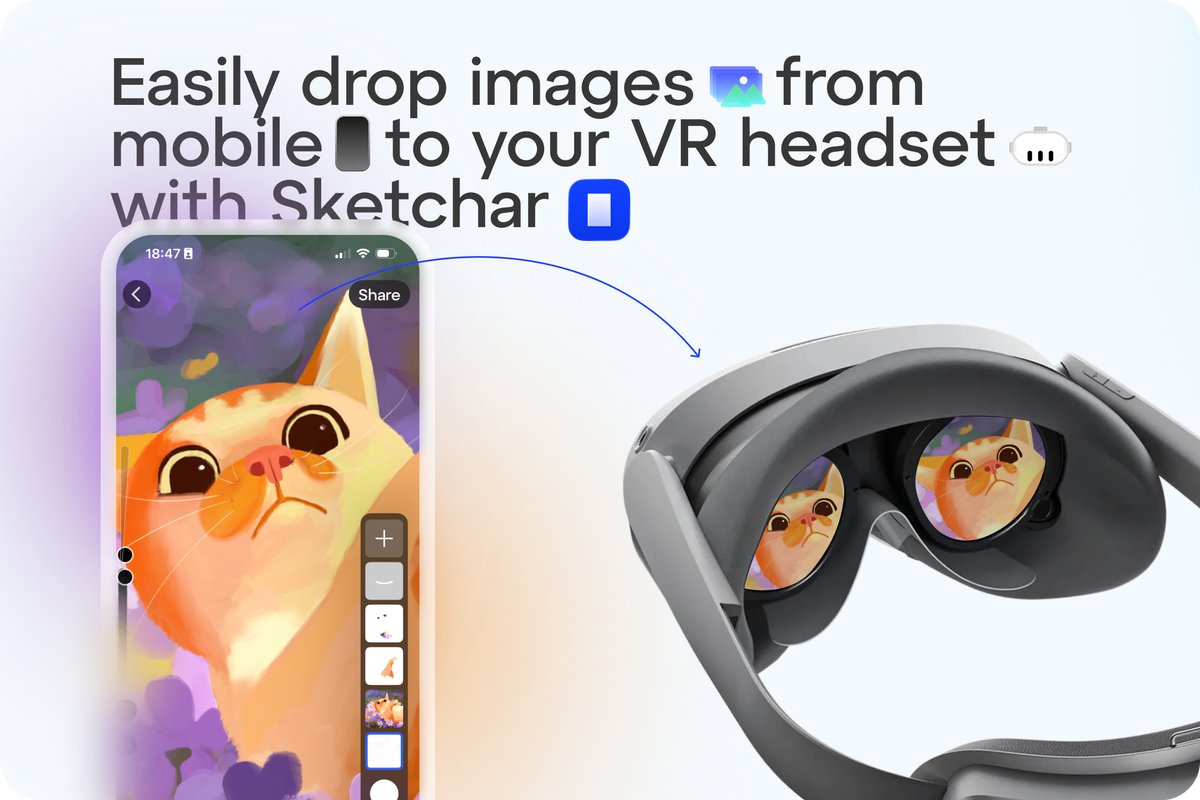
How to drop images to your VR headset with Sketchar.
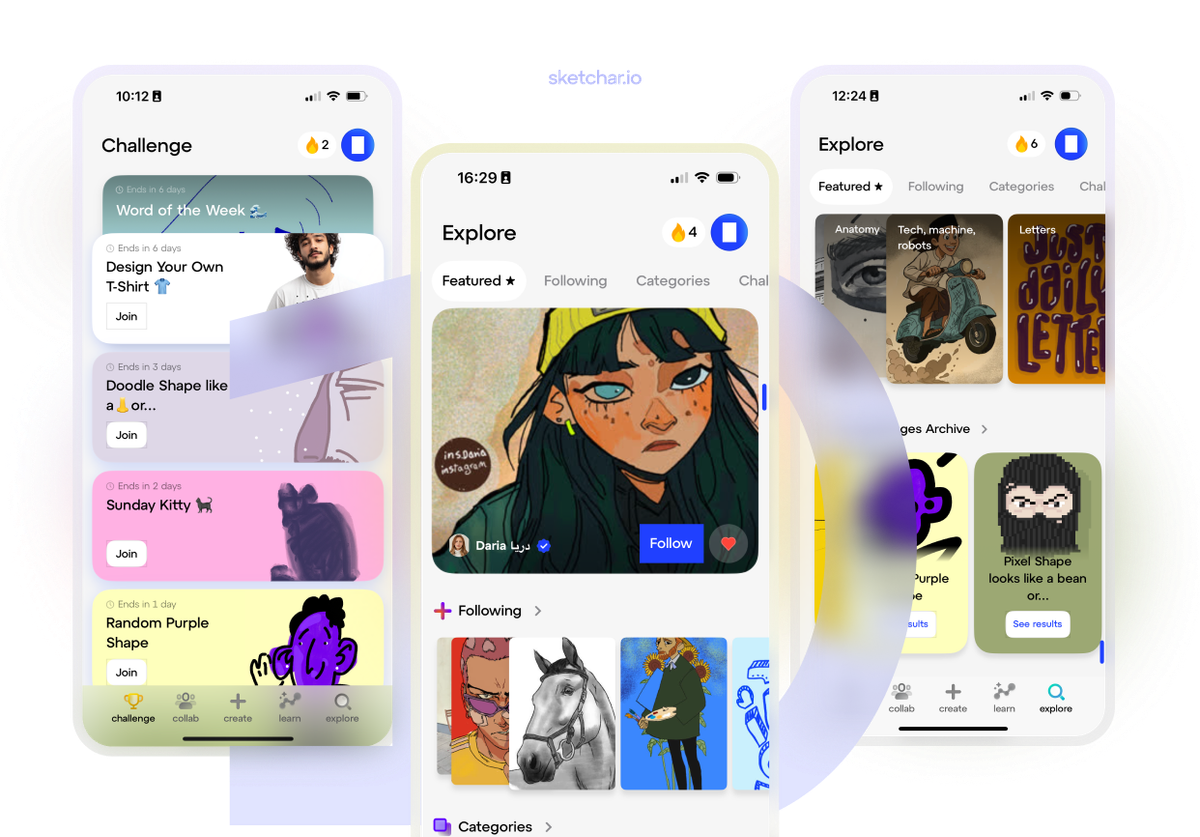
With Version 10, Sketchar takes a major step forward—making your daily creative practice smoother, smarter, and more inspiring than ever
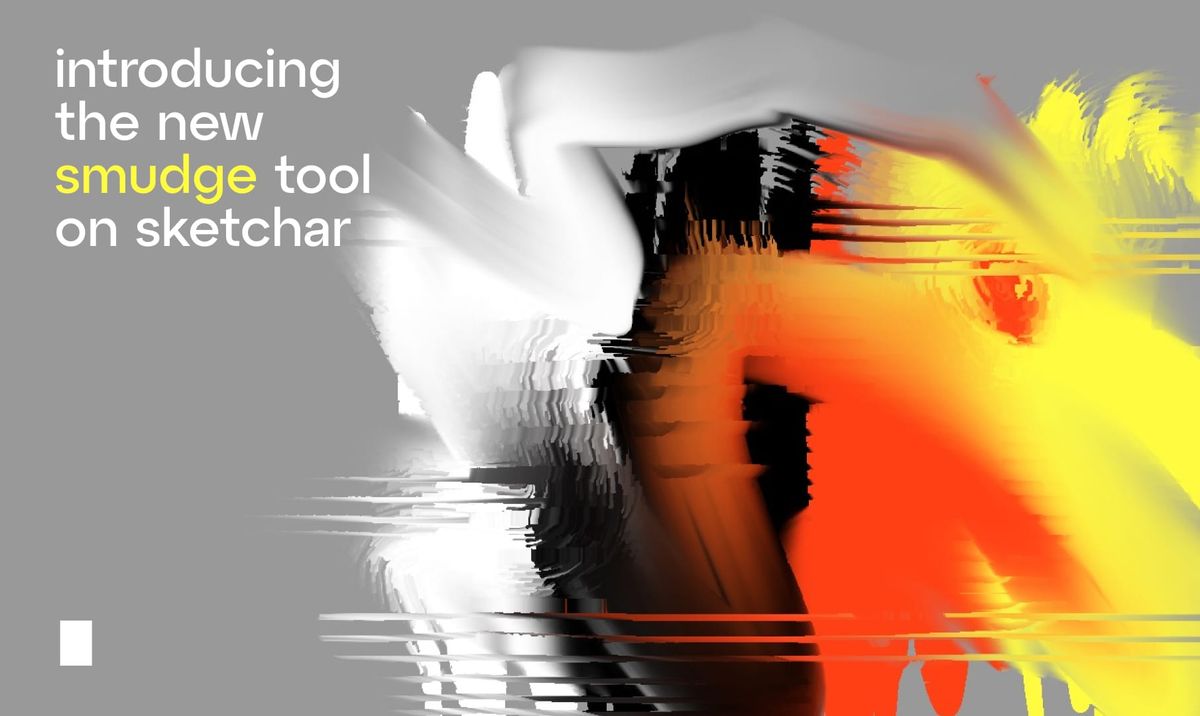
Sketchar introduces an advanced Smudge tool — blend colors, smooth edges, and create stunning transitions like digital oil painting. Experiment with different brushes and bring your art to life!
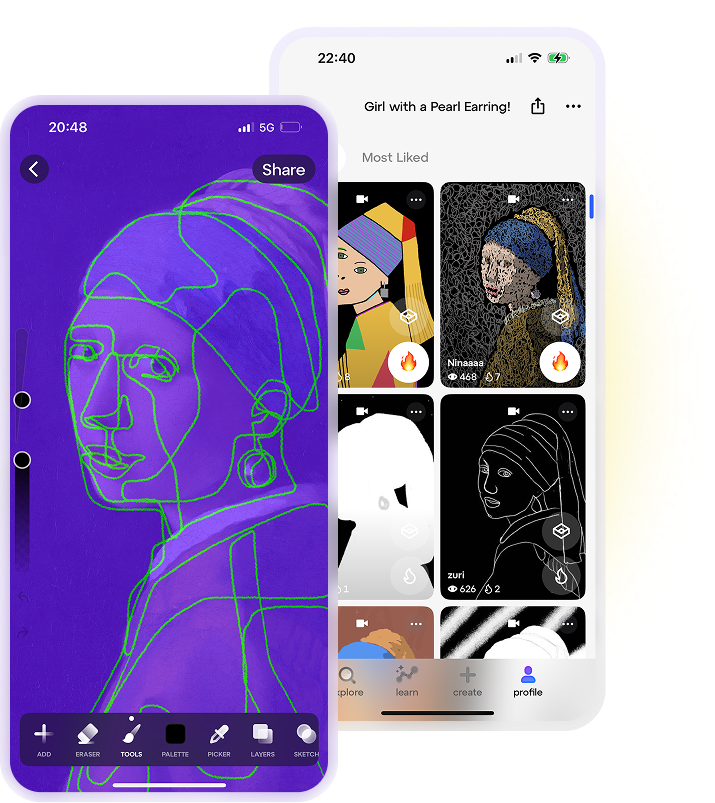
Are you looking for a drawing app that sparks creativity, connects you with a creative community, and helps you learn to draw in a fun and engaging way? Meet Sketchar Collabs — the latest feature in the Sketchar app, designed for artists, hobbyists, and anyone passionate about drawing as a hobby...