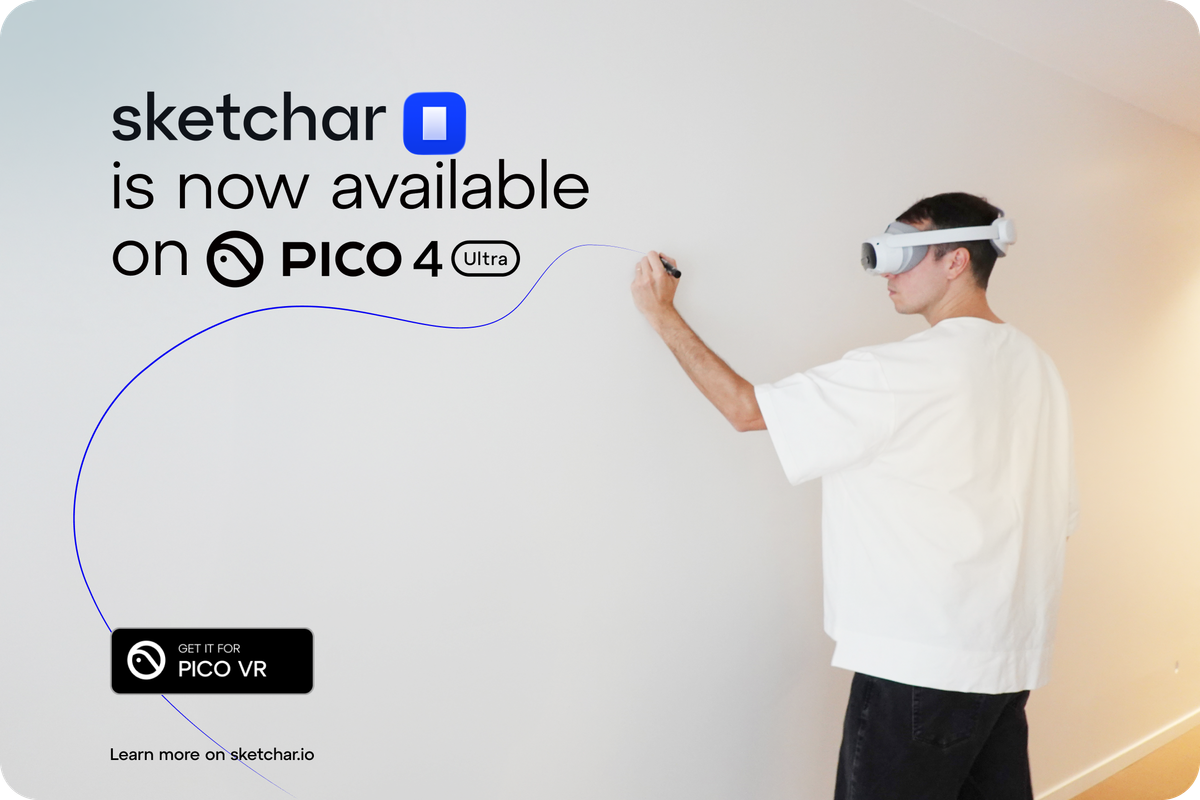
For years, mural sketch transfer has been a compromise: wait for darkness to use a projector, fight keystone distortion, tape up grids, climb up and down to re-check proportions, then repeat. It works… but it’s slow, fiddly, and full of “setup tax.”
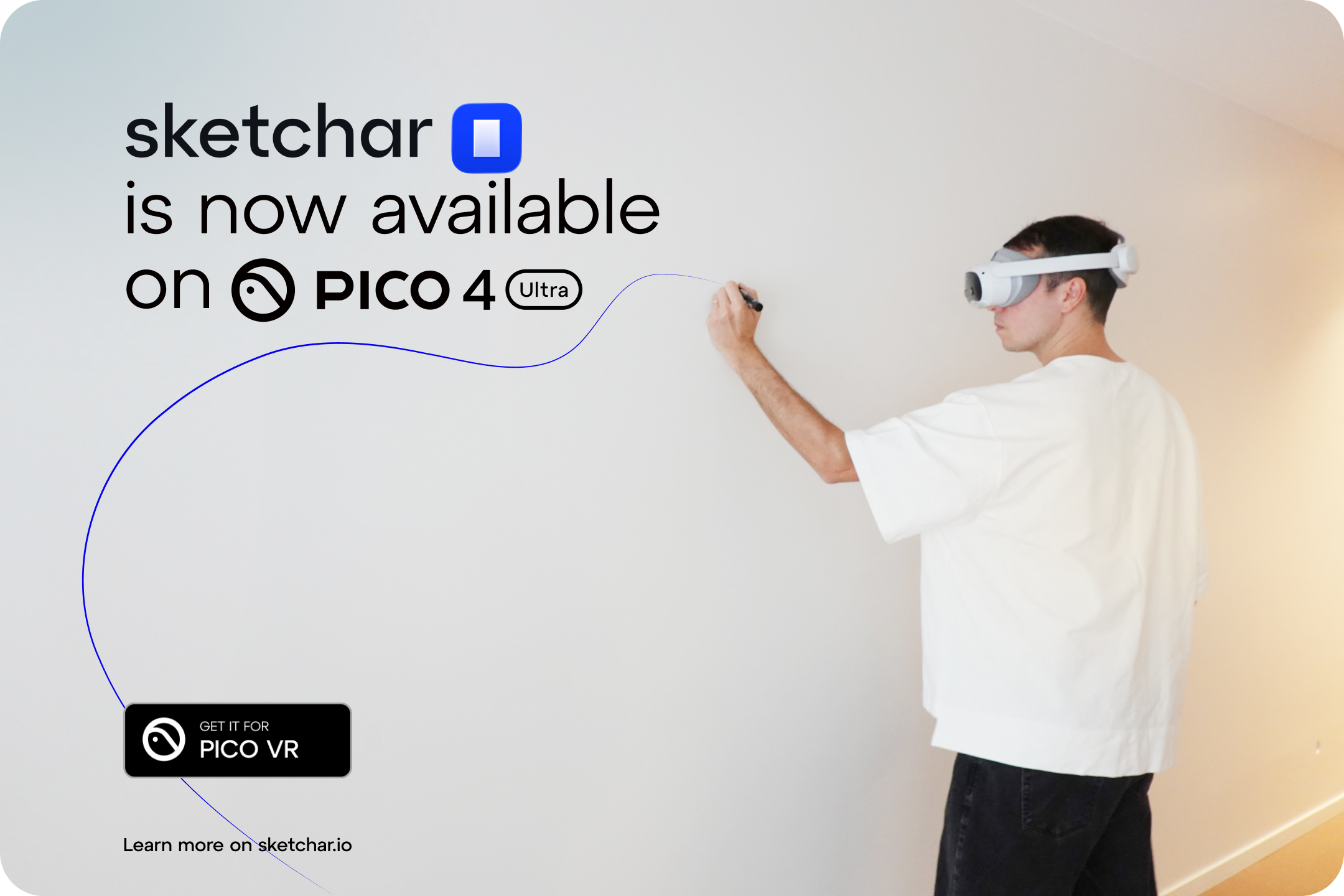
Now Sketchar is available for PICO 4 Ultra, bringing a practical mixed-reality workflow to muralists who want speed, accuracy, and freedom from projector logistics. Sketchar is built specifically for “placing” a sketch on a real surface through MR passthrough—so your wall becomes the canvas, and your reference becomes a clean, perfectly aligned guide.
Core features of Sketchar on PICO 4 Ultra
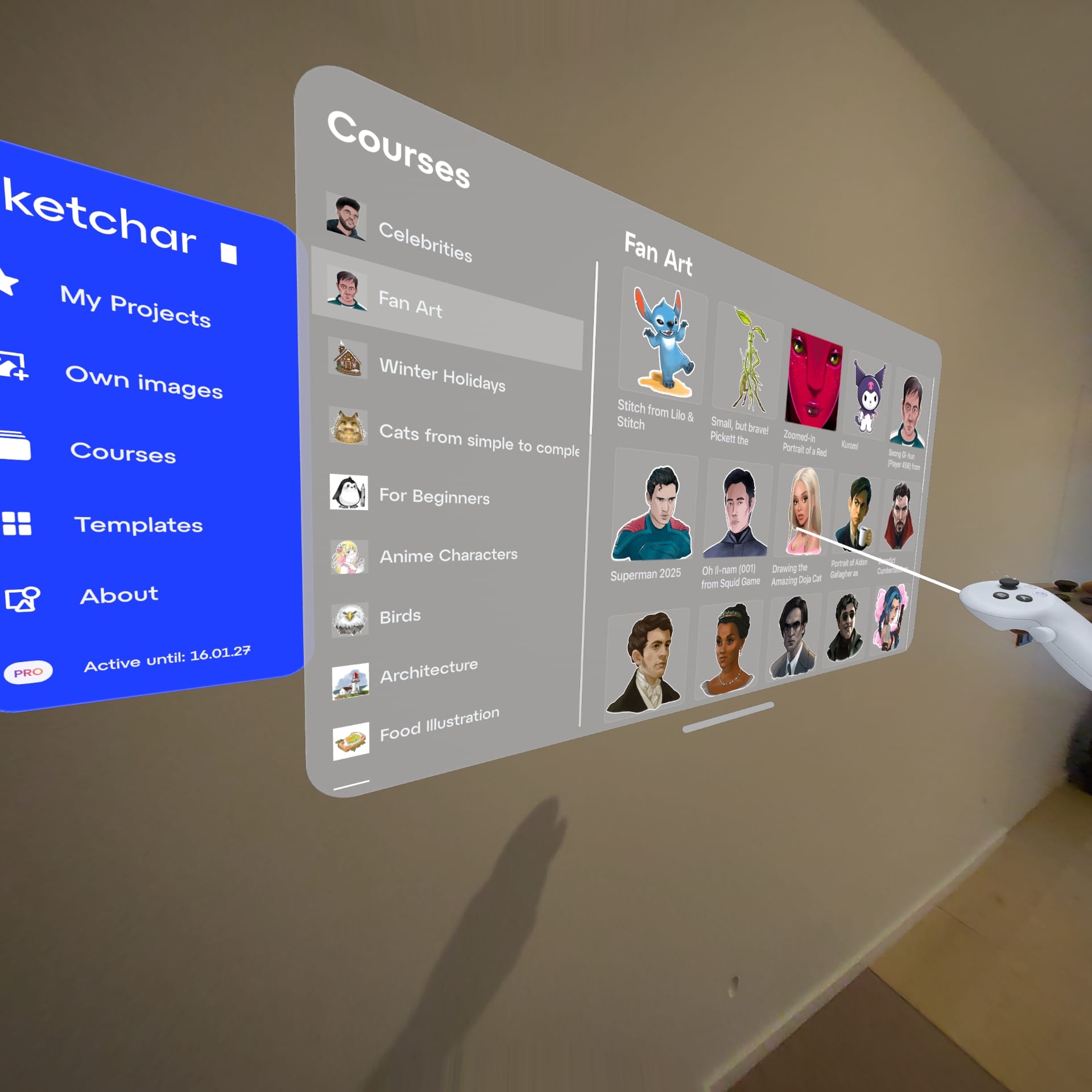
Intuitive interface for placing images on surfaces
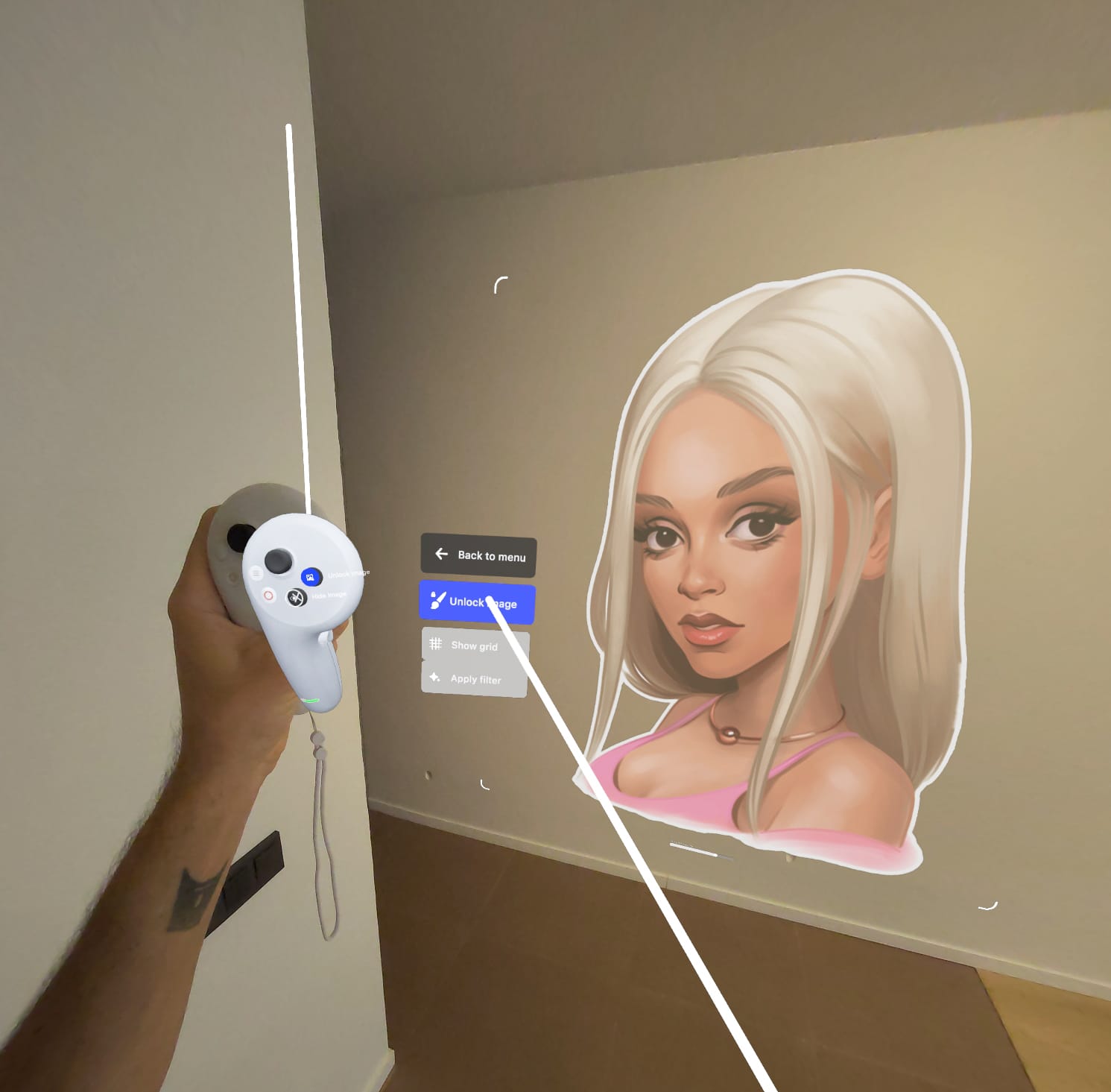
Sketchar’s mural workflow is built around quick placement: position your sketch, scale it, rotate it, and lock it in—without fiddly controls. Sketchar describes this as an intuitive interface with easy setup and natural placement/positioning.
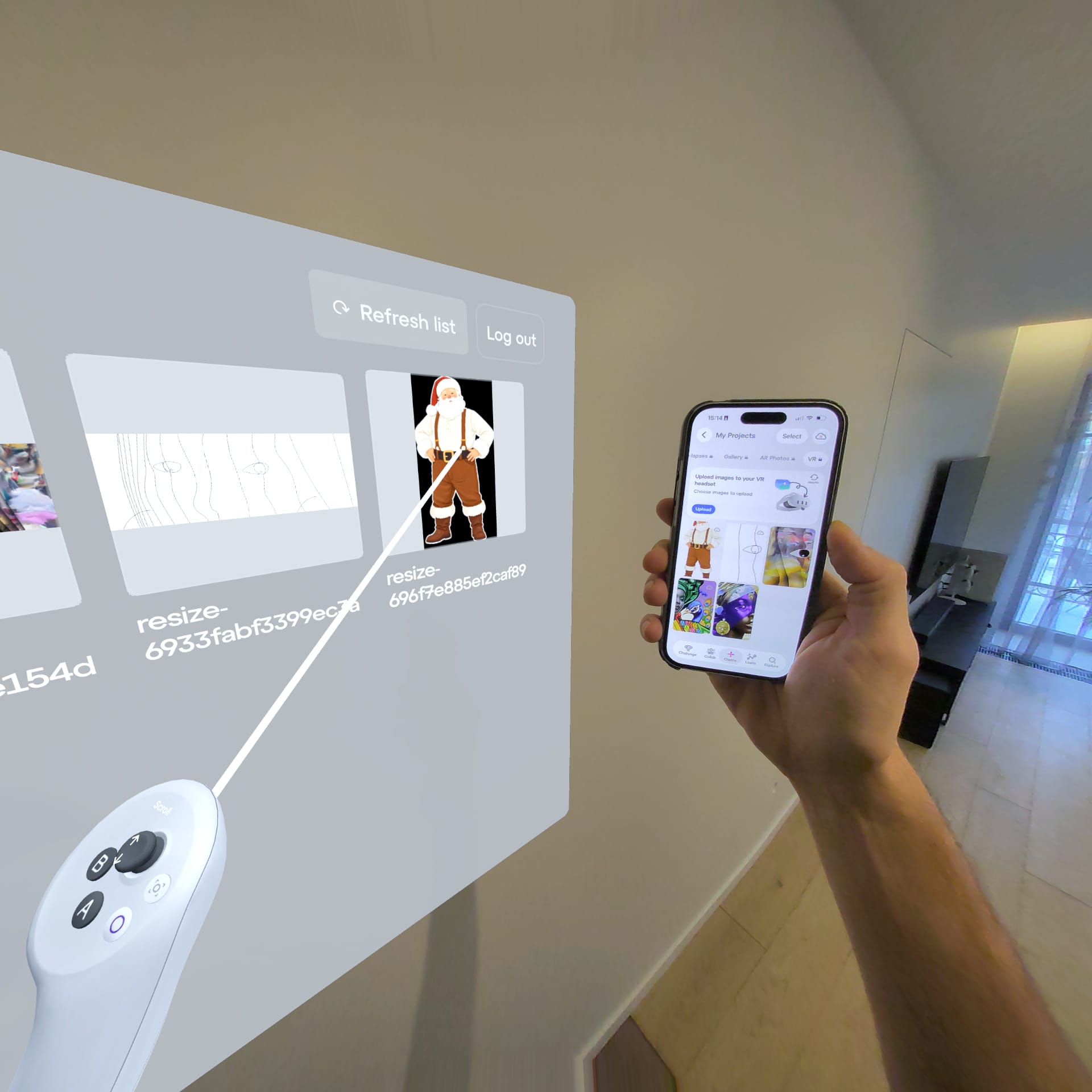
Sync with mobile to drop images into the headset
A mural workflow lives on your phone: references, drafts, client notes, renders. Sketchar supports sending your images to the headset from a smartphone and also offers options like Google Drive for easy transfer.
And PICO’s own mobile app is designed to manage headset content and your library—making the phone-to-headset handoff feel natural in the PICO ecosystem.
From projectors and grids to VR: what’s changing in mural workflows
Mural artists have traditionally relied on:
- Projectors (often at night, with power, distance, and focus constraints)
- Grid methods (accurate, but time-consuming and mentally taxing)
- Freehand scaling (fast, but risky when precision matters)
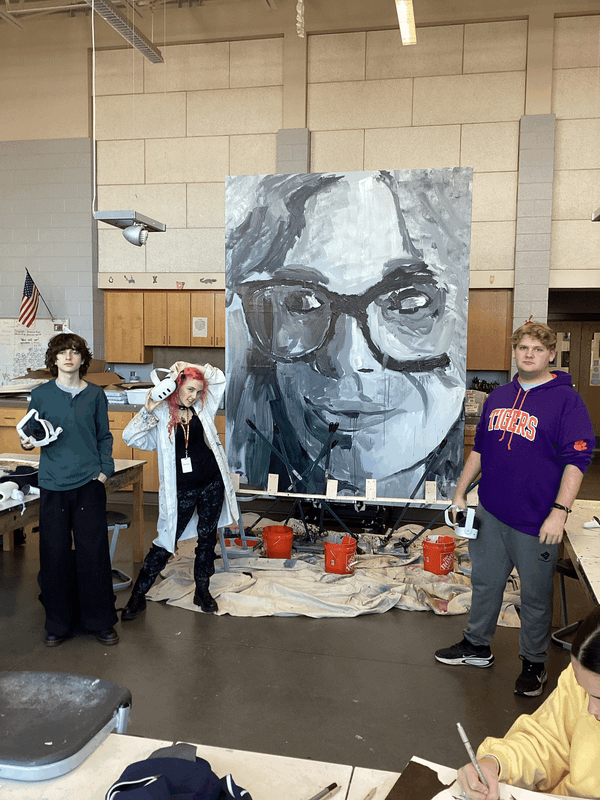
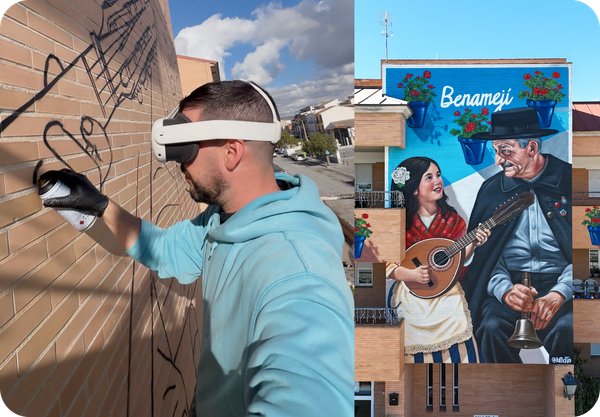
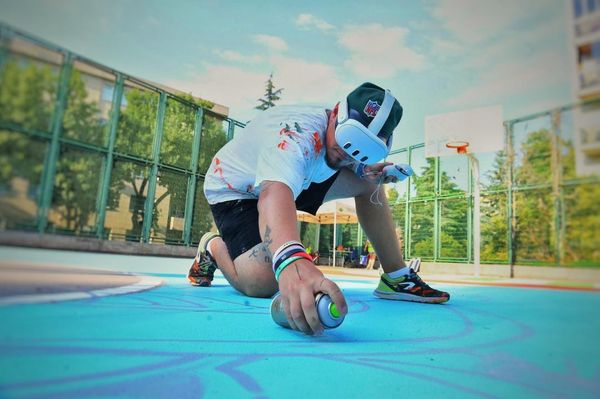
Mixed reality headsets change the whole setup. Instead of projecting light onto the wall, you overlay your sketch in your headset—and paint using a stable guide that stays where you put it. Sketchar’s VR/MR approach is explicitly designed to replace “projectors and grids” with an instant overlay that works without cables or complicated rigging.
And PICO 4 Ultra is purpose-built for MR: it uses dual 32MP color passthrough cameras plus a depth sensor and environment tracking cameras to map your space and keep content stable in the real world.
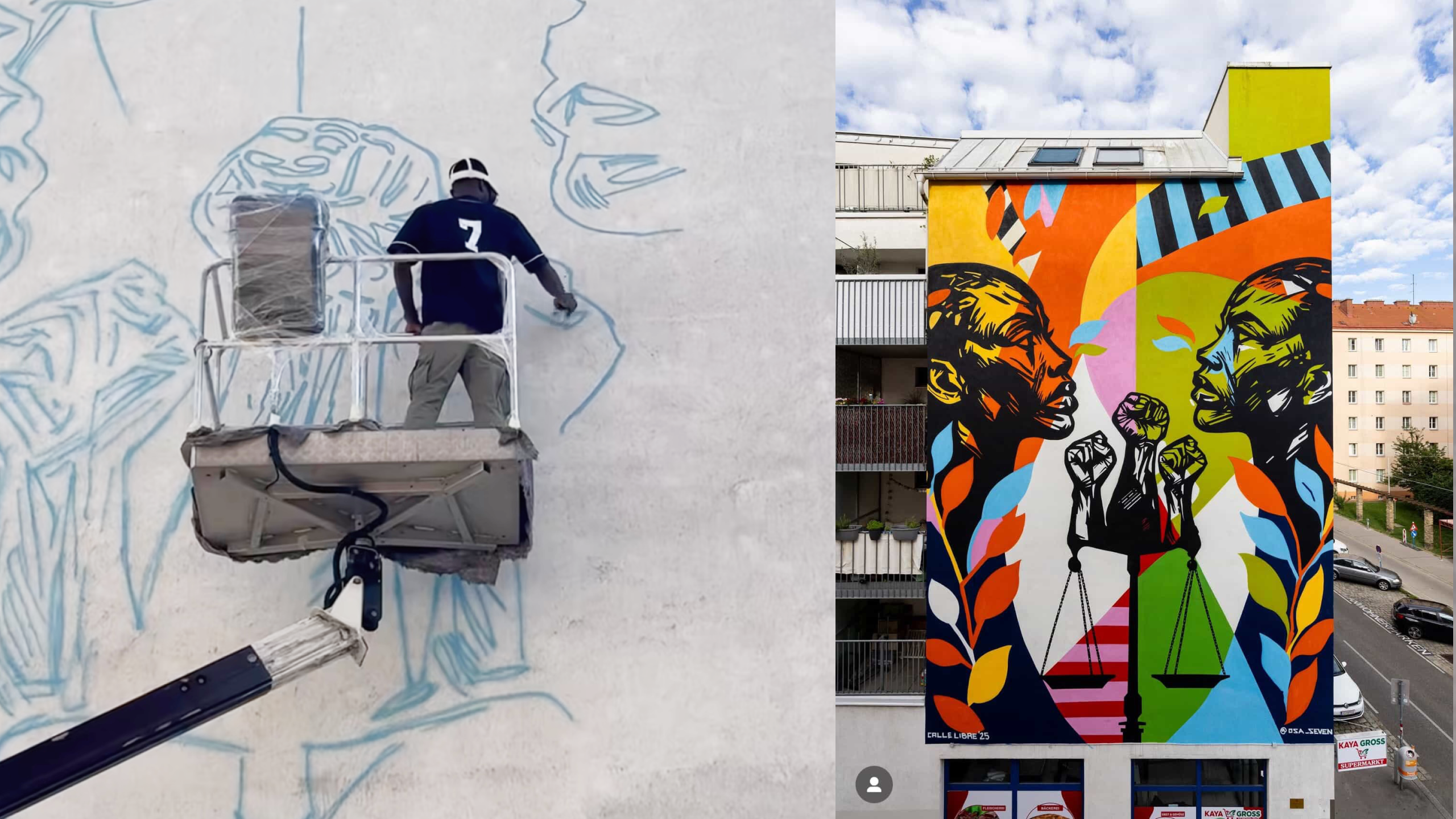
The main benefits of using a VR headset for mural sketching
1) Faster setup (aka: less “mural prep,” more painting)
Projectors come with friction: mounting, distance, focus, brightness, keystone correction, power access, and often waiting for the right lighting conditions. With Sketchar on a VR headset, you can place the sketch on the wall in seconds and get to work. Sketchar highlights the “no cables, no waiting, no setup” advantage directly.
2) Paint in daylight (and in places projectors hate)
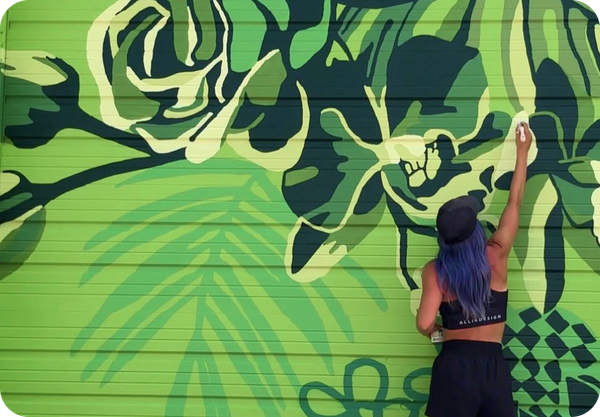
Outdoor walls, bright interiors, sunlit facades—these environments make projector workflows painful. Sketchar’s VR headset workflow is positioned specifically as something you can use in daylight because the “projection” is in your headset, not on the wall.
3) Precision you can trust
When your sketch is aligned once, it stays aligned—so you spend less time re-checking proportions and more time actually painting. Artists using VR workflows frequently point to speed + precision as the biggest win (especially on large walls where small placement errors multiply).
4) Scale without the usual headaches
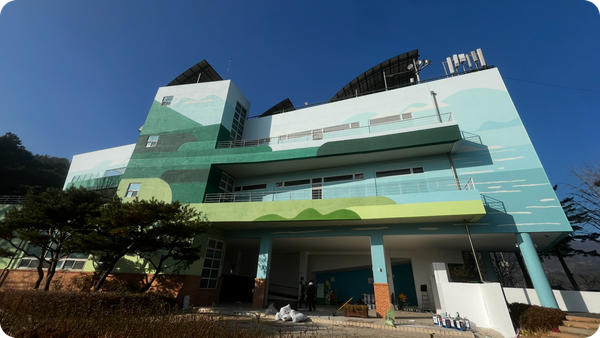
Whether it’s a small interior piece or a multi-story wall, the “how do I enlarge this accurately?” problem is the core pain point. MR overlays make scaling feel natural: you place the artwork at the size you want and trace confidently. Sketchar’s own positioning emphasizes projecting onto “any wall or building—no matter the size.”
5) Fewer moving parts on site
No tripod to bump, no projector to overheat, no extension cords, no “please don’t walk through the beam,” and no carrying extra fragile gear. A headset is (comparatively) a clean, self-contained kit.
6) More creative flexibility mid-process
Because you’re not locked into a single static projection, it becomes easier to:
- test alternate placements,
- adjust composition on the wall,
- iterate faster during client reviews,
- and keep working even if conditions change.
This is why VR isn’t just “a new way to trace”—it’s a workflow upgrade.
▋