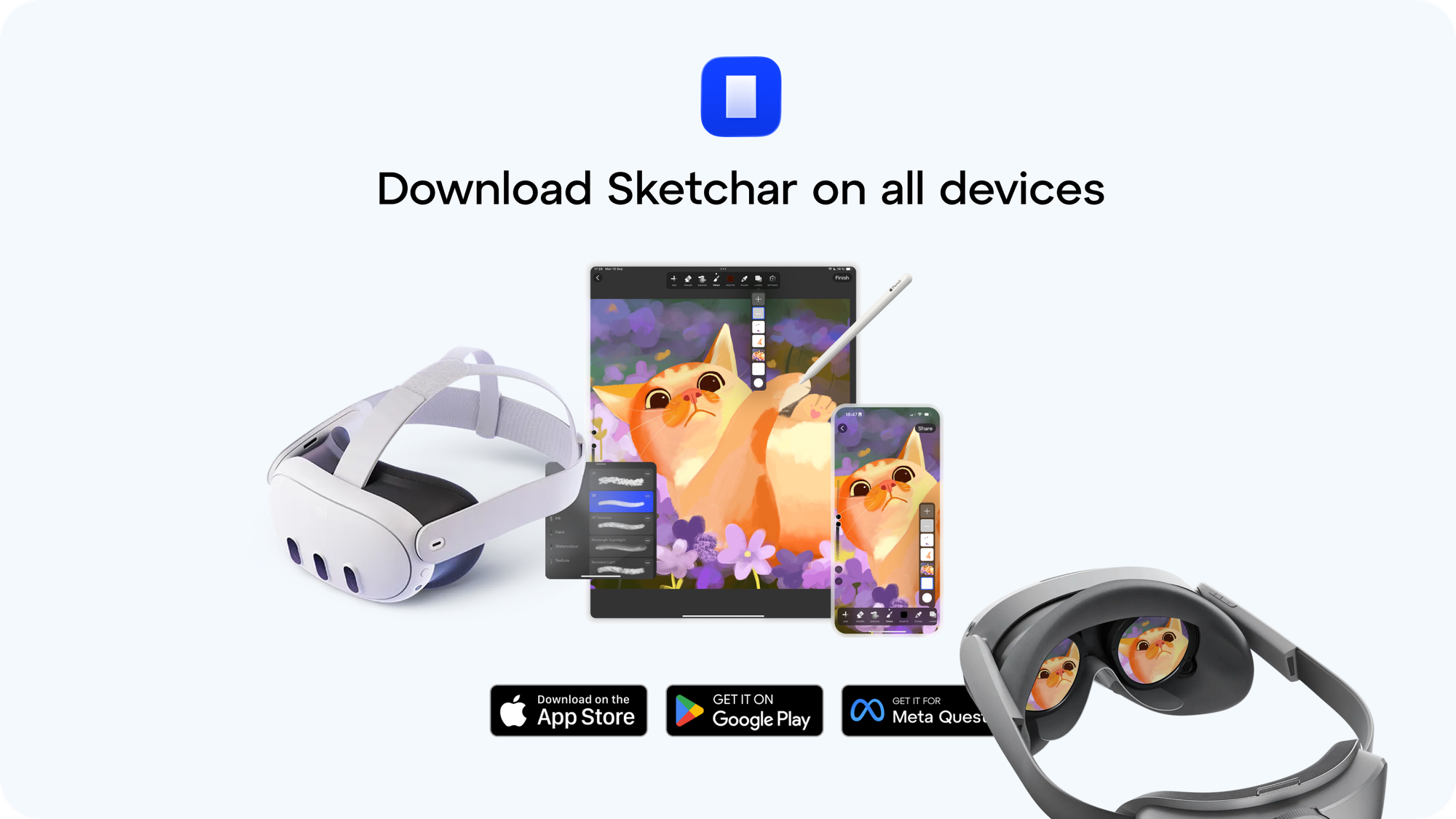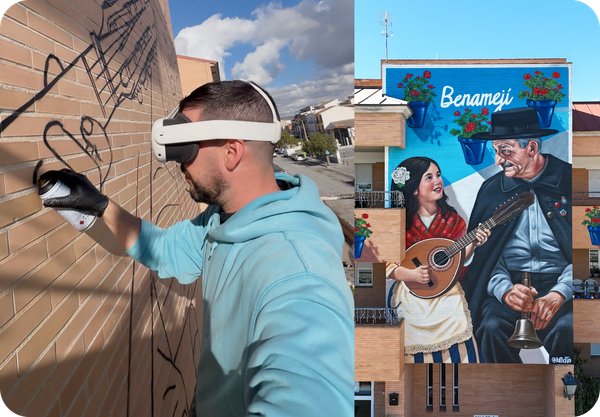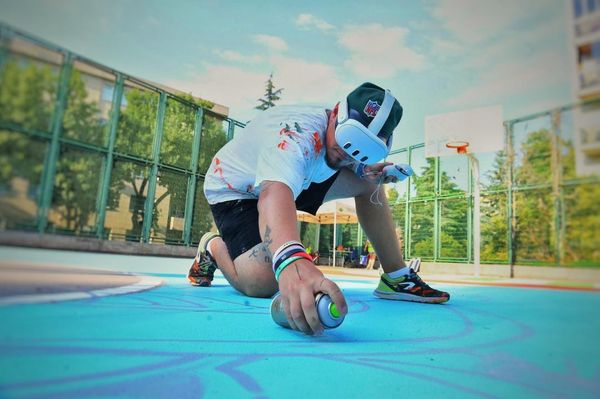
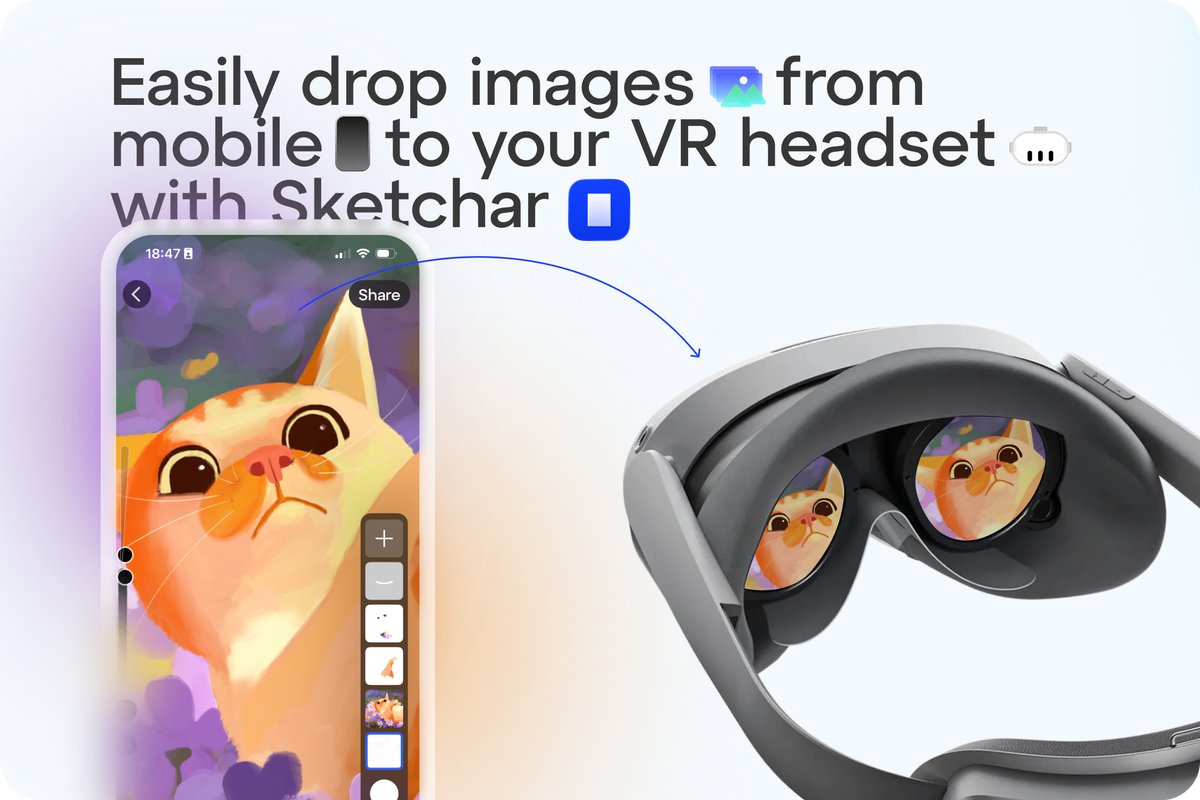
No more hassle sending sketches or images to your VR headset as templates. With Sketchar, you can now upload any image in one tap.
How It Works:
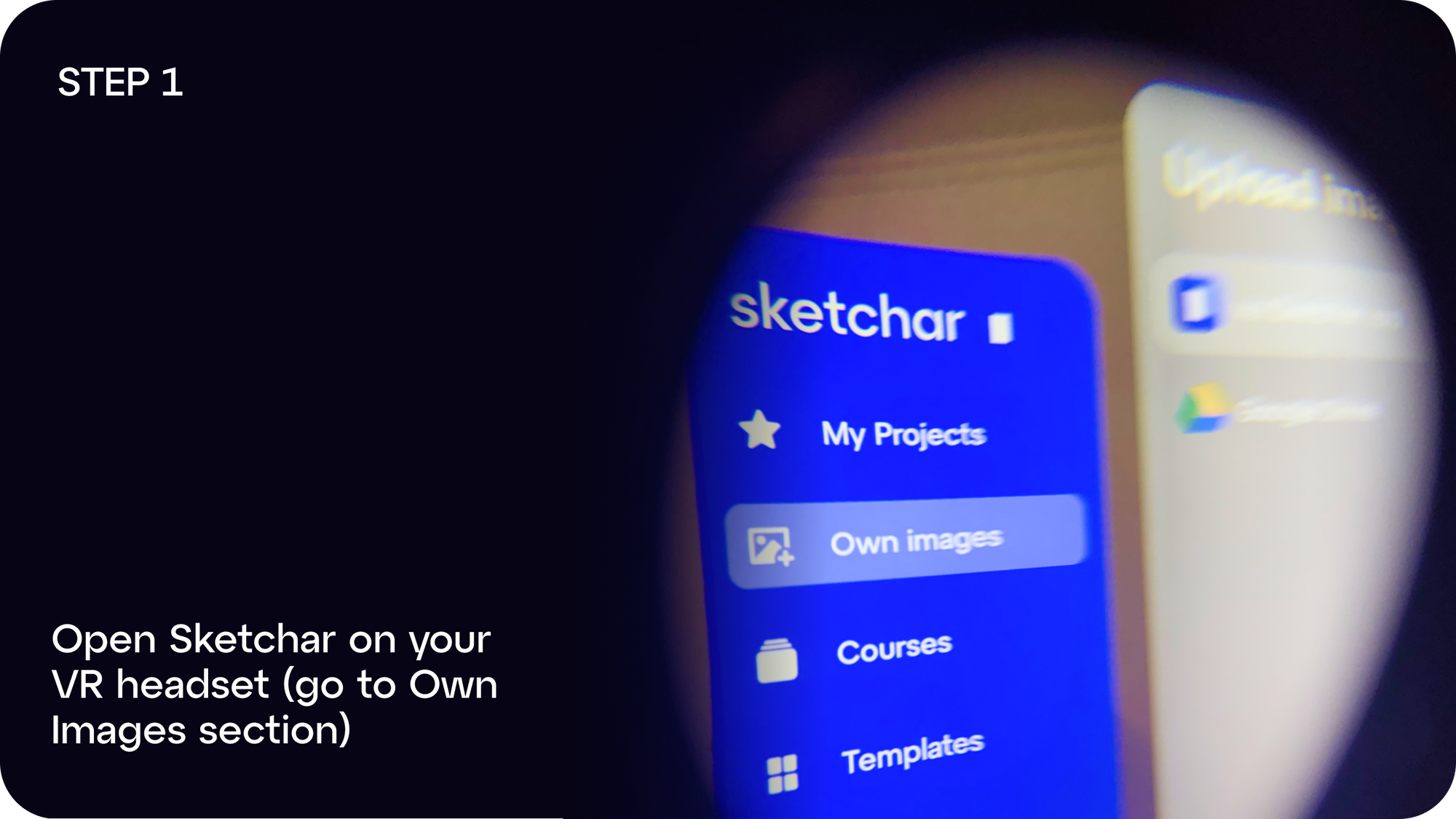
Step 1: Open Sketchar on your VR headset and go to Own Images
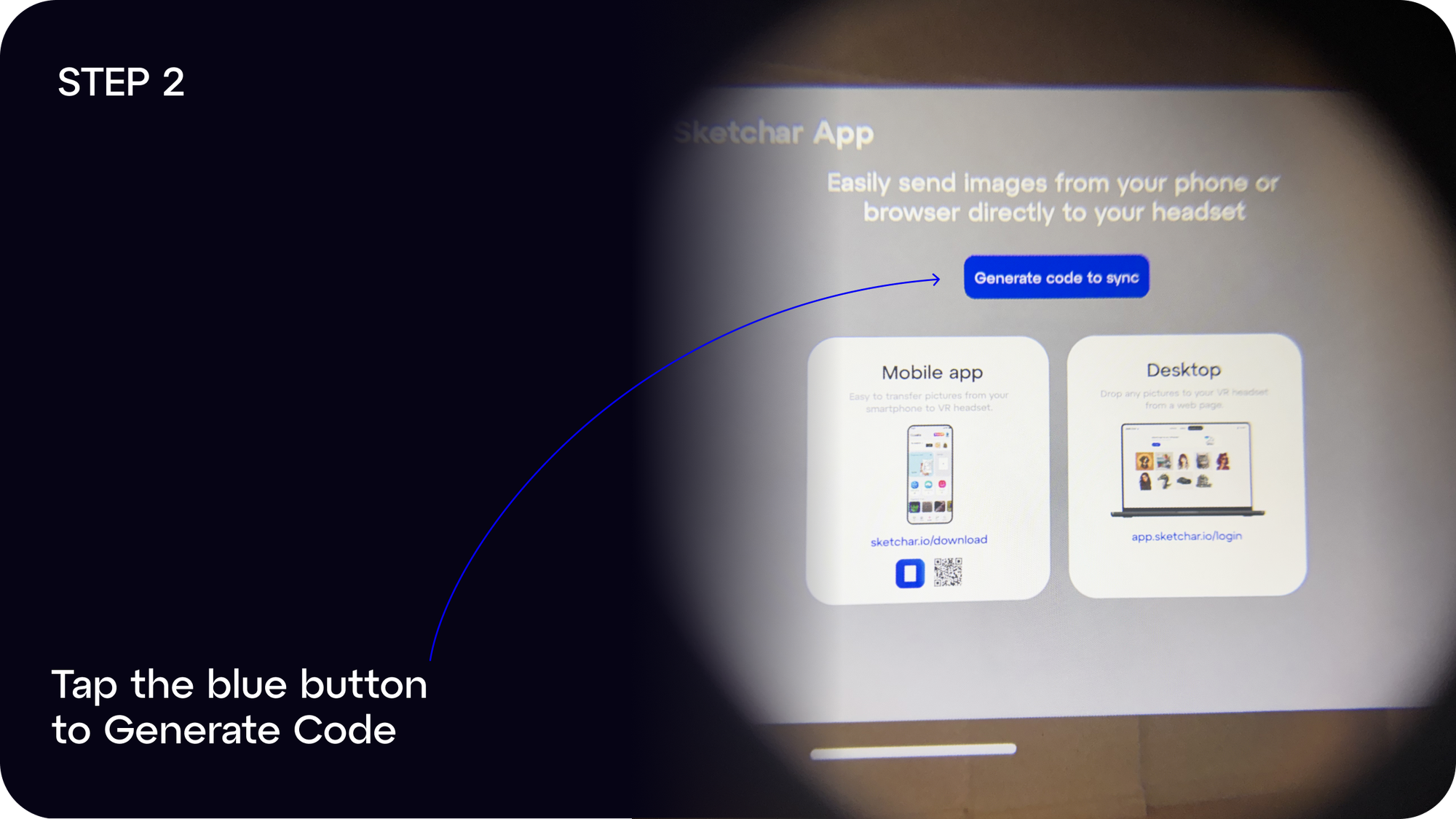
Step 2: Tap the blue button to Generate Code
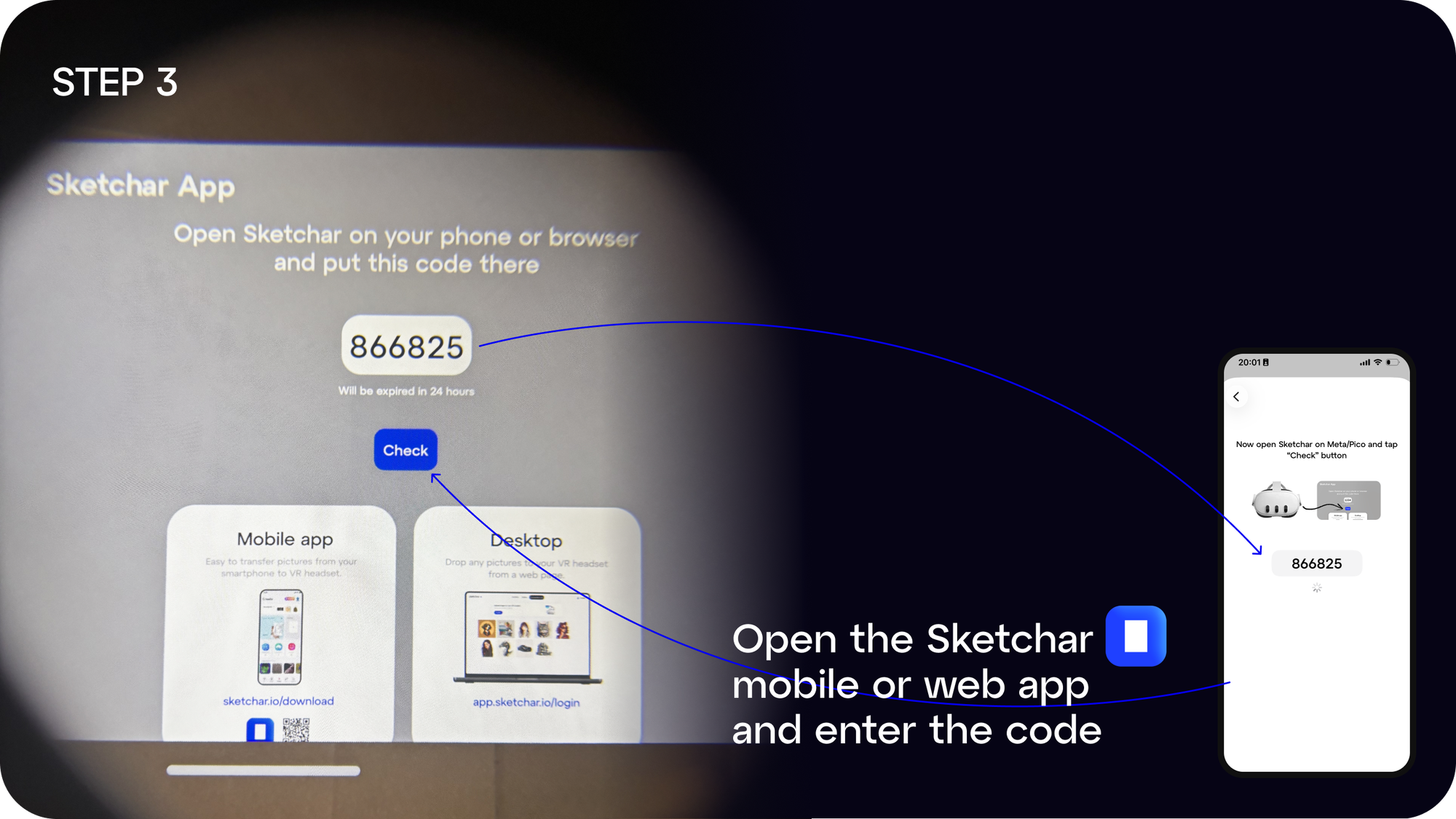
Step 3: On your mobile or desktop, open the Sketchar app and enter the code
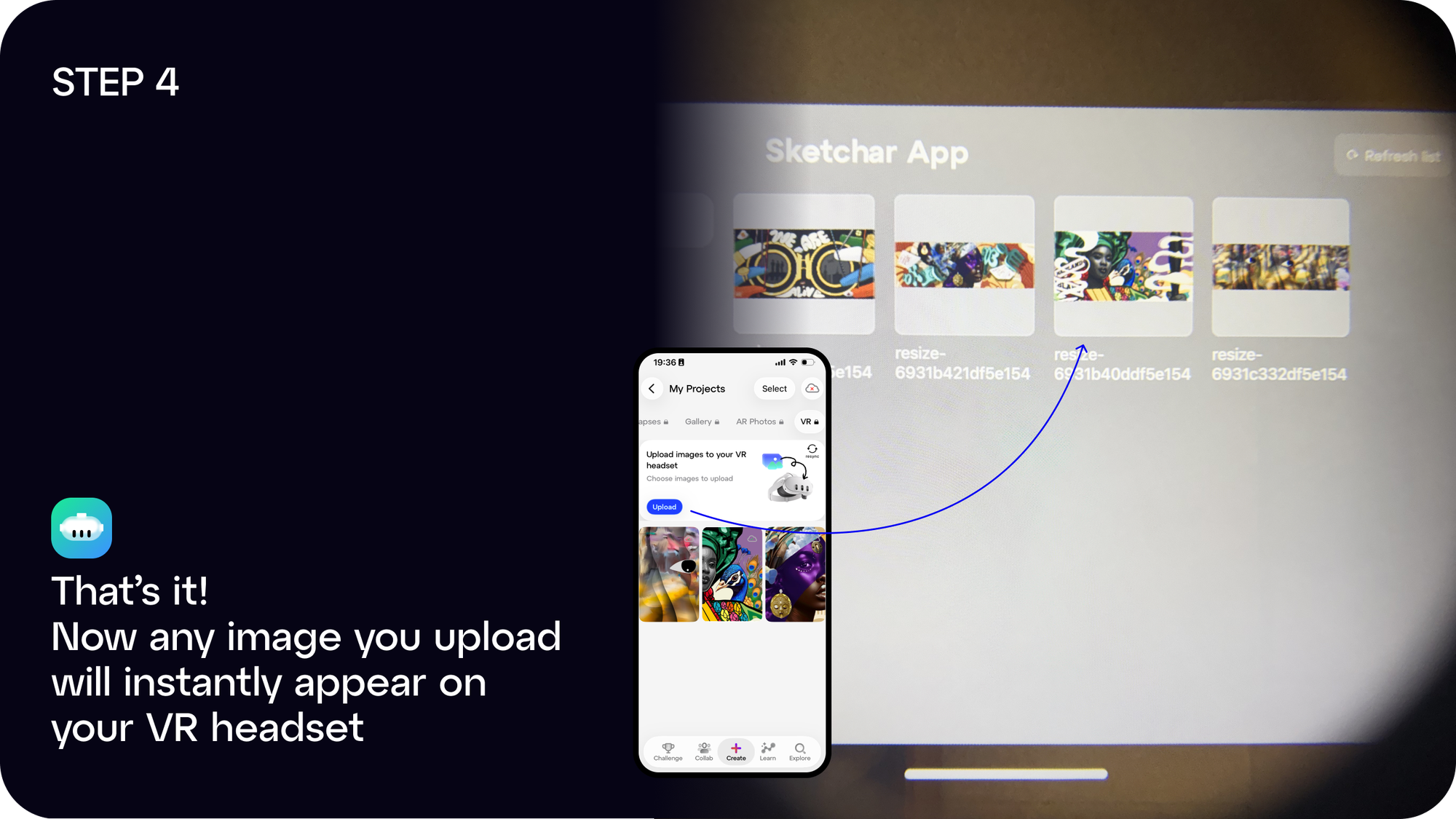
Step 4: Done! Any image you upload will instantly appear in your headset
You can:
- Download the Sketchar app on iOS or Android, or
- Use the web app at app.sketchar.io/login to upload from desktop
Got ideas or suggestions? Drop us a line at hello(at)sketchar.io